ProTemplate · 1 screen
Notch App Landing
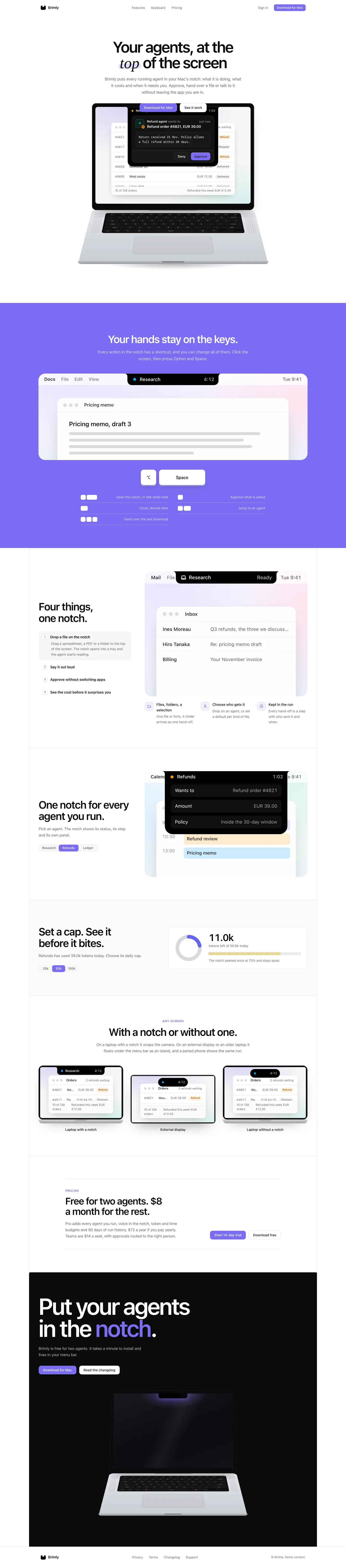
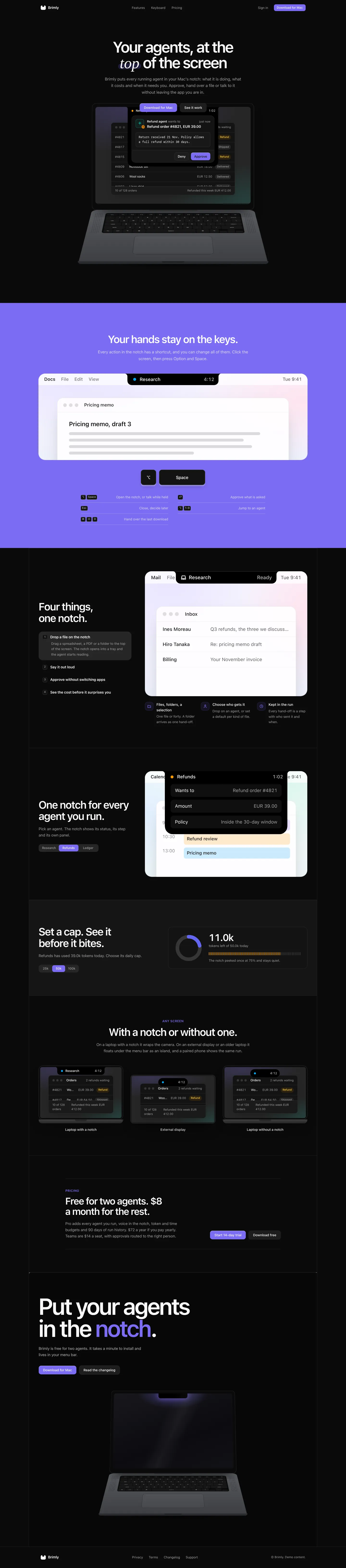
A landing page for a made-up Mac app that puts running agents in the notch. A laptop opens as you scroll, then the shortcut you can press, one stage where the same notch hands off a file, listens, asks for approval and shows the spend, one notch per agent, a cap you set against what that agent has used, and a closing block with the lit notch.
Sections
The page, section by section. Each is a block with its own docs, props and examples.
- Your agents, at the top of the screen
- Your hands stay on the keys.
- Four things, one notch.
- One notch for every agent you run.
- Set a cap. See it before it bites.
- With a notch or without one.
- Free for two agents. $8 a month for the rest.
- Put your agents in the notch.
Built from
The template is these blocks on one page. Each has its own docs, props and examples.
Install
A Pro template: log in once per project, then add it. It lands as source in your app, with the blocks it needs.
$
npx knowns-ui@latest login$
npx knowns-ui@latest add template-notch-app-landing