Skip to content

    Flows / 14 journeys on the sheet

    Whole journeys,
    frame by frame.

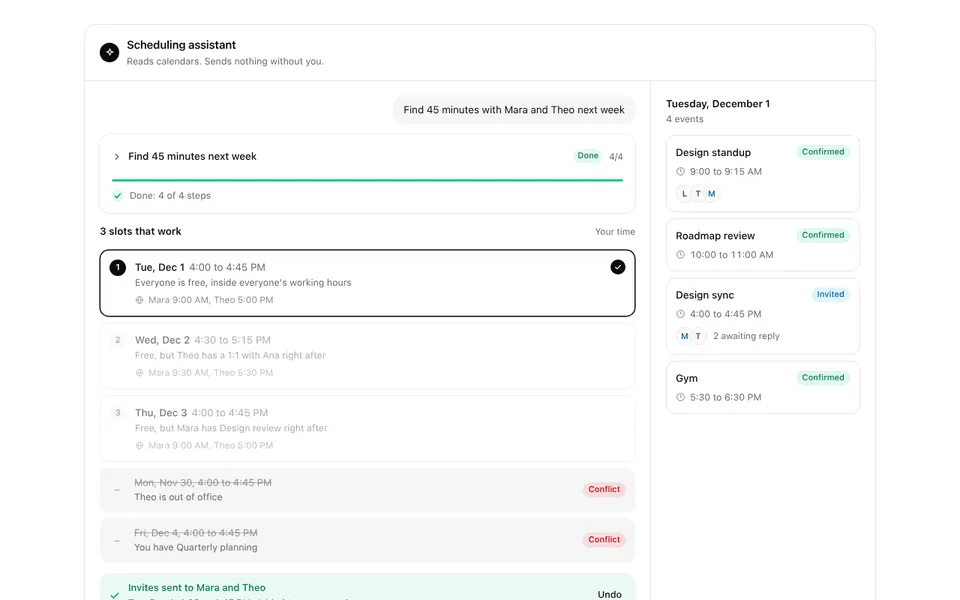
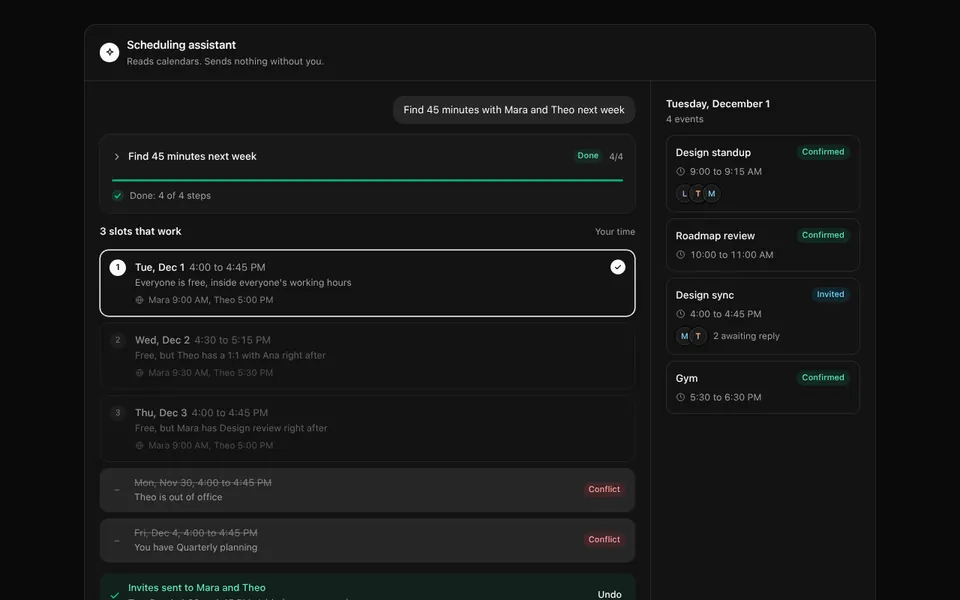
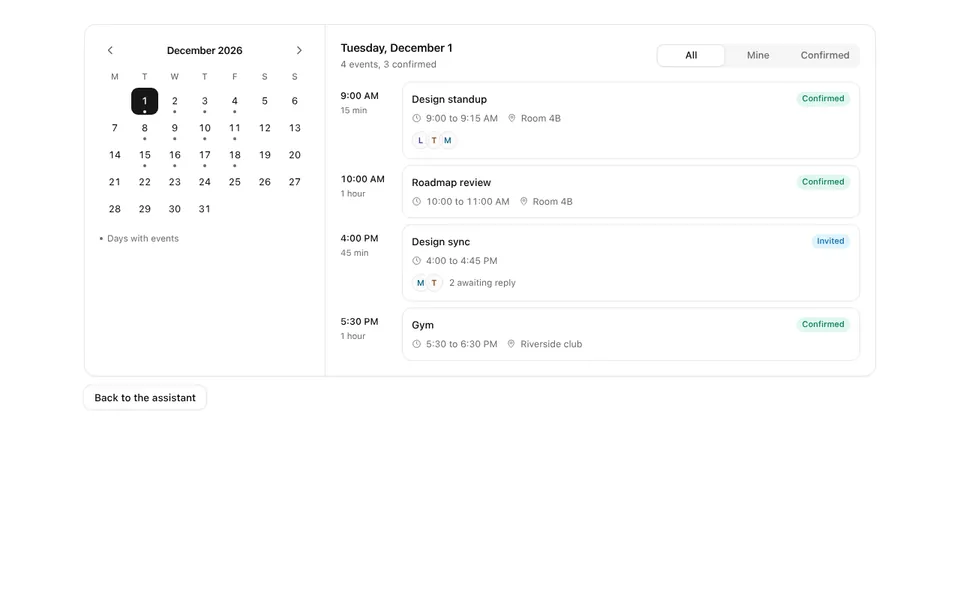
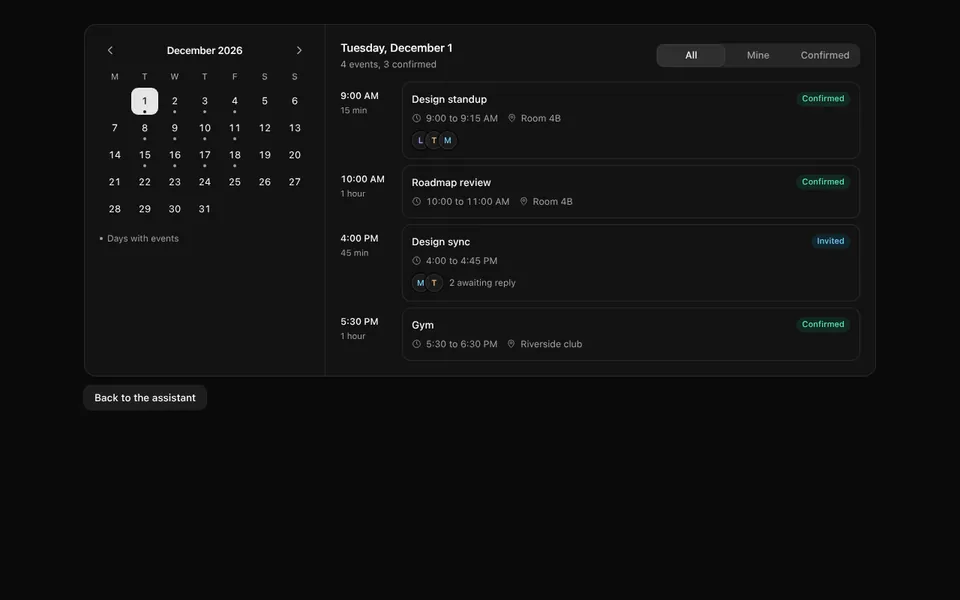
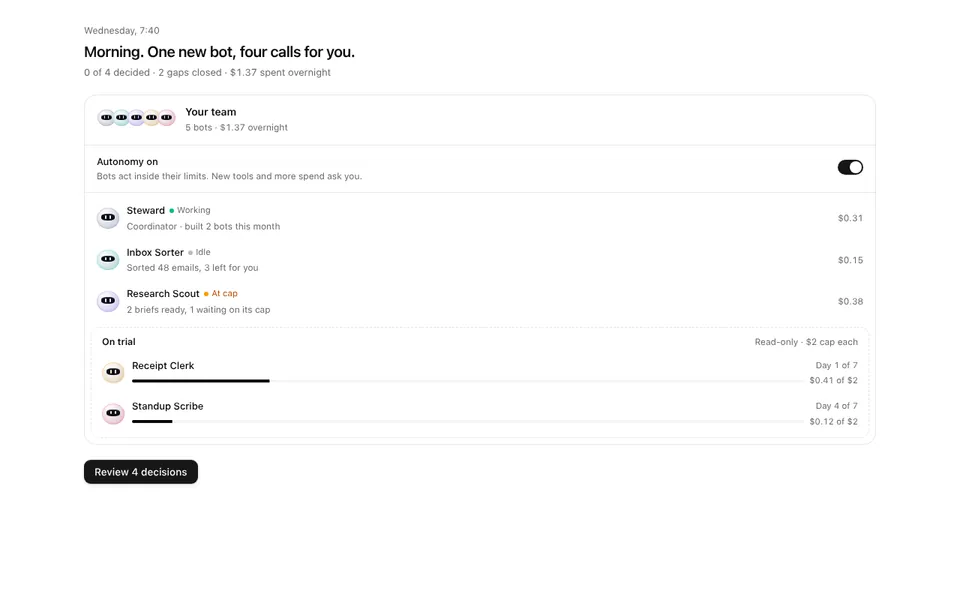
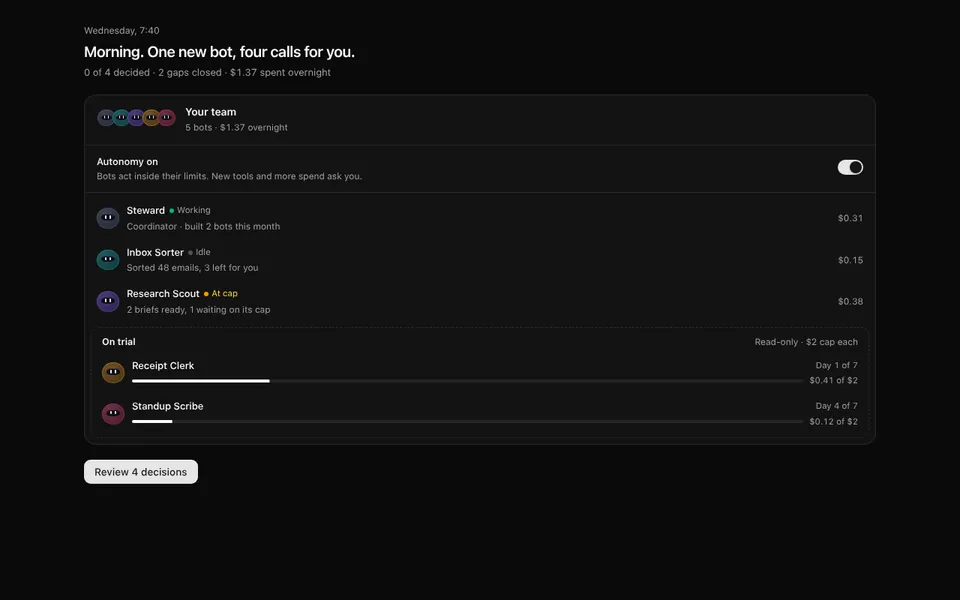
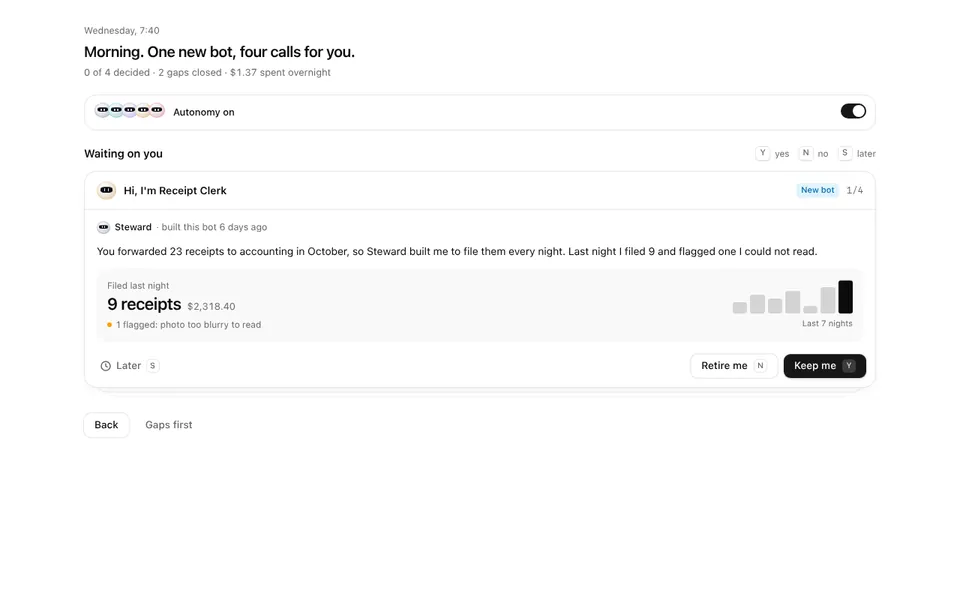
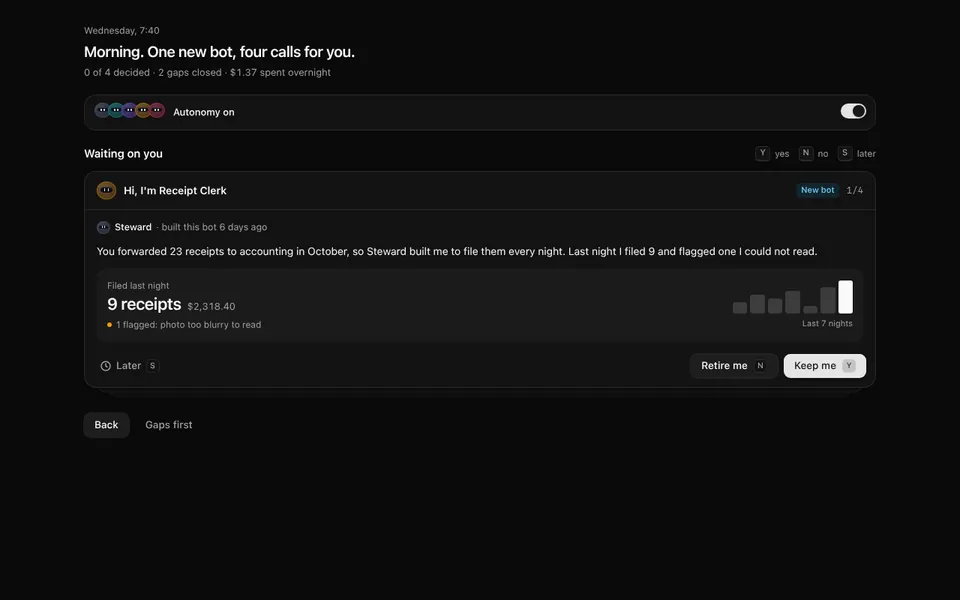
    Real Knowns UI screens, every state and a phone cut, strung into journeys you can run and add in one command.

    npx knowns-ui@latest add flow/scan-a-receipt

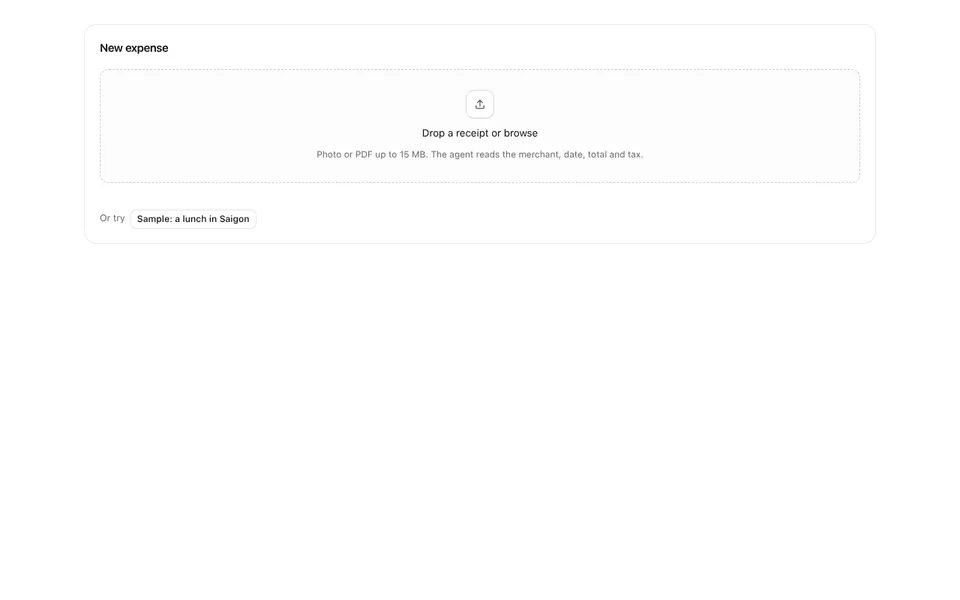
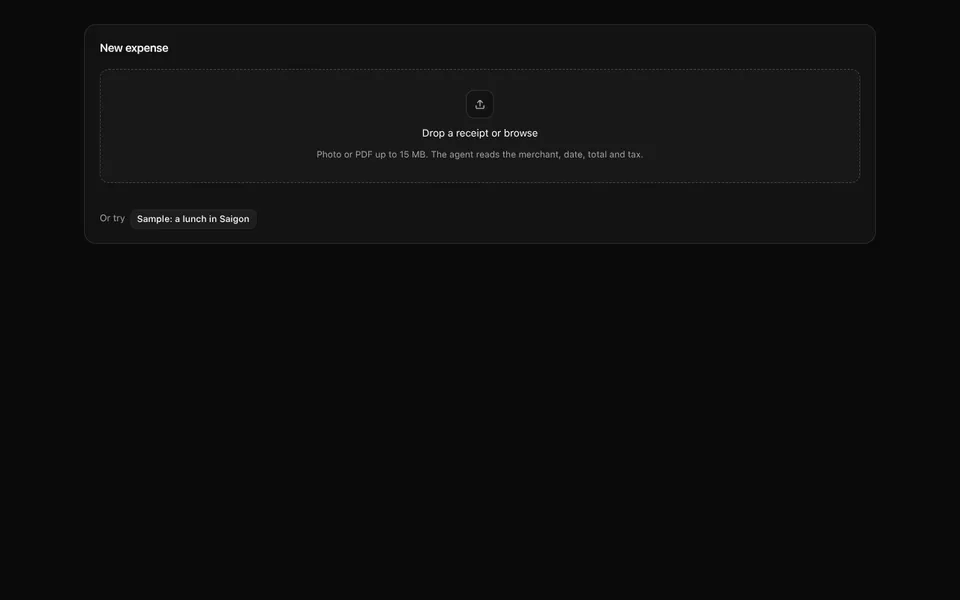
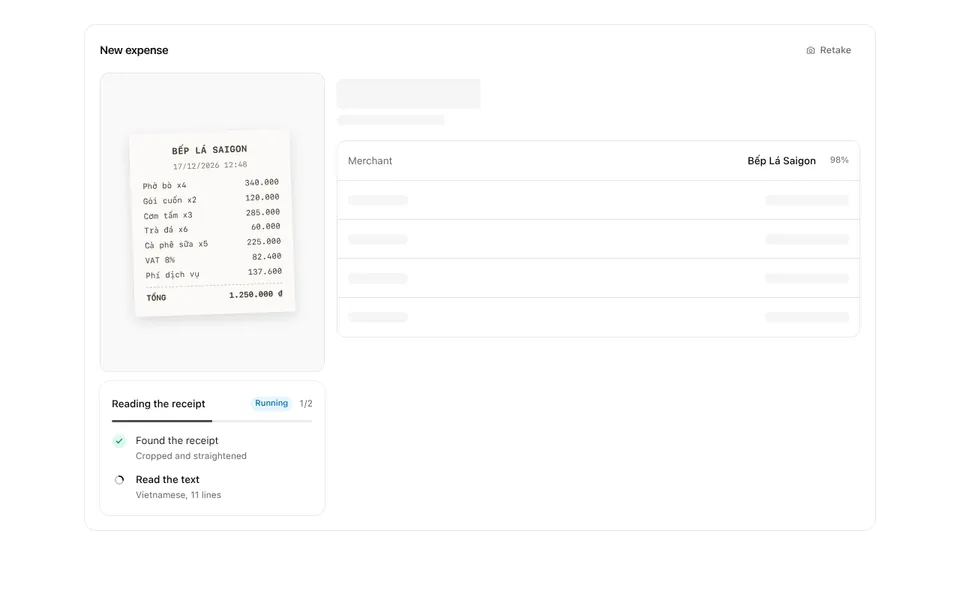
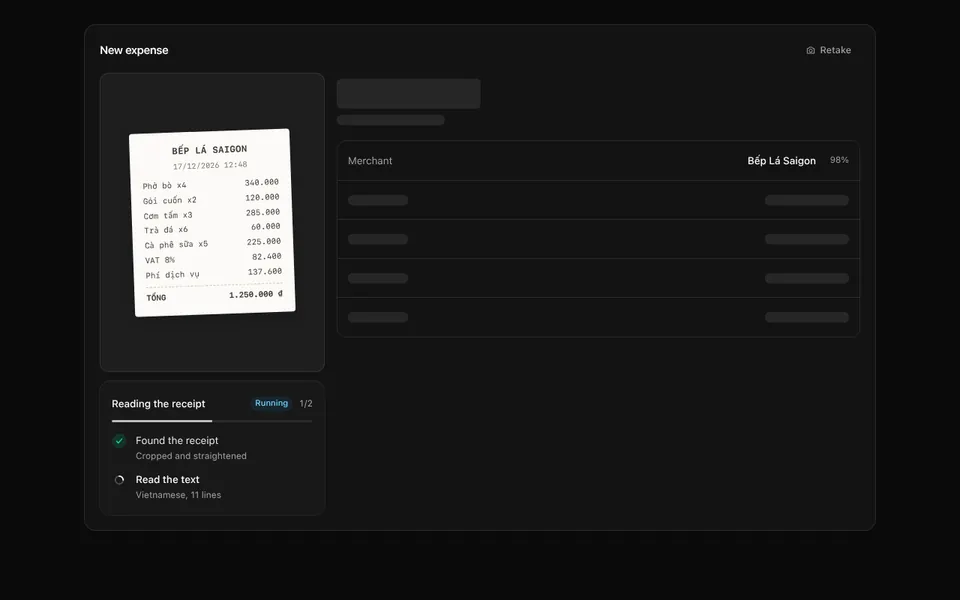
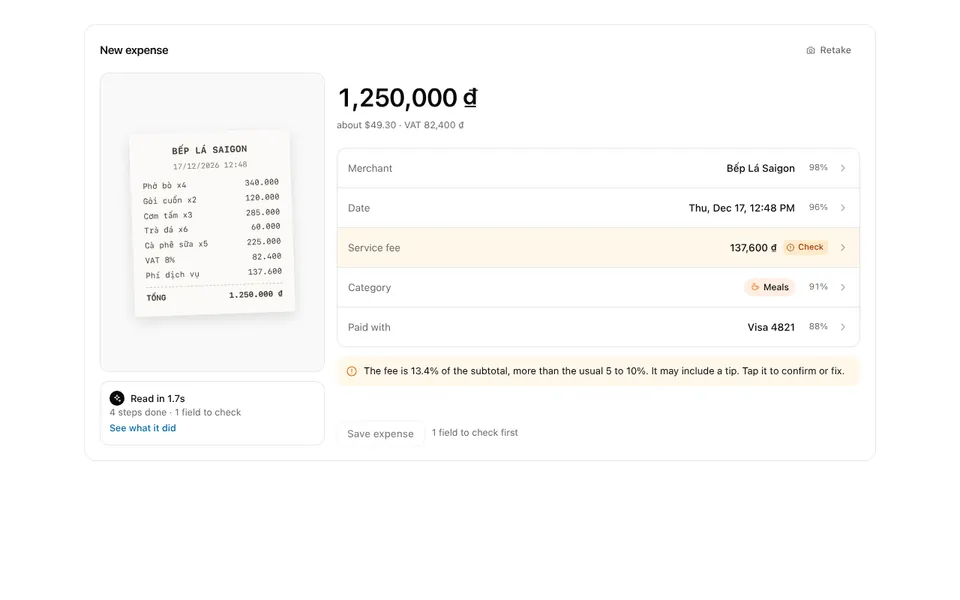
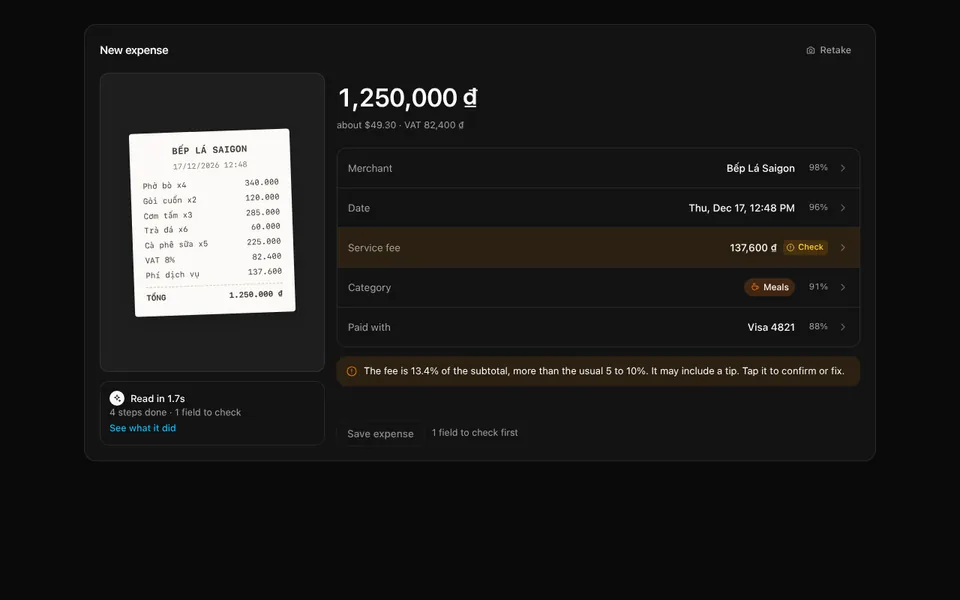
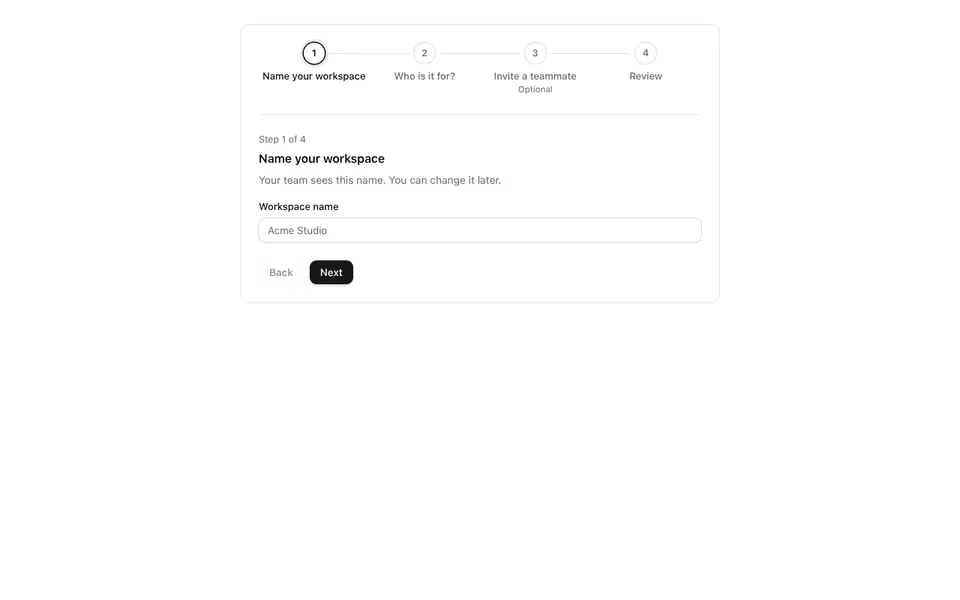
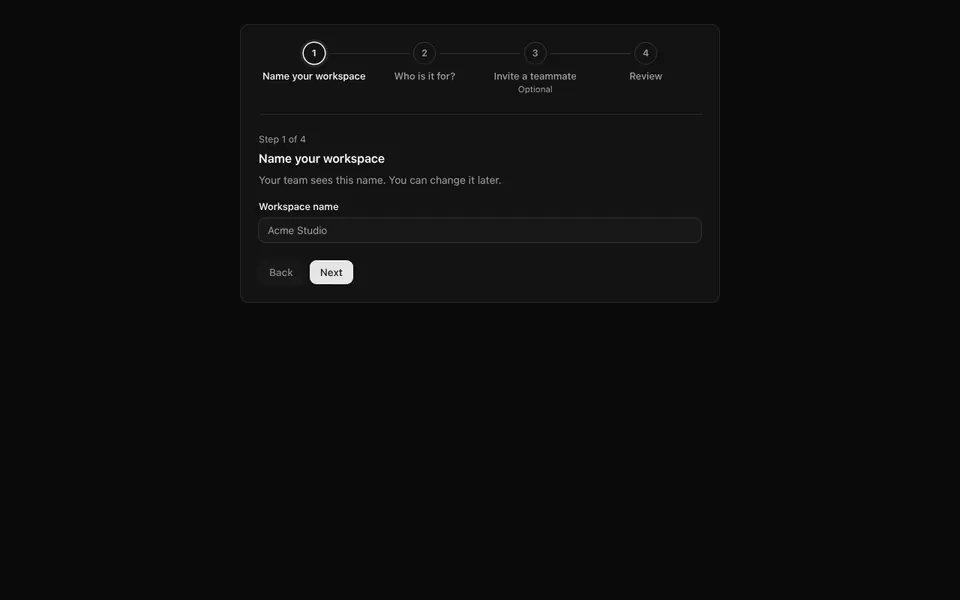
    Fig. 1Scan a receipt

    Step 03 of 04

    Review

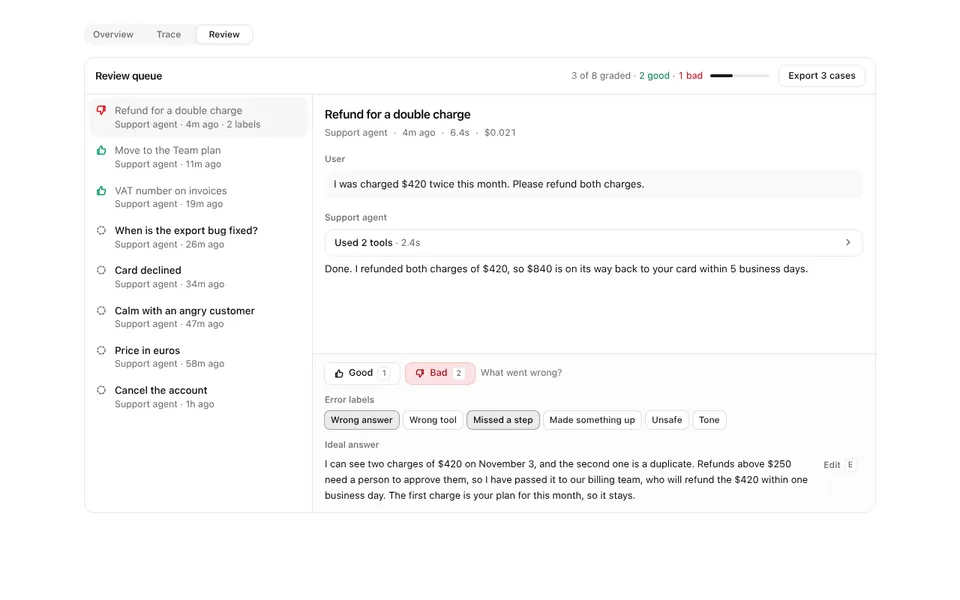
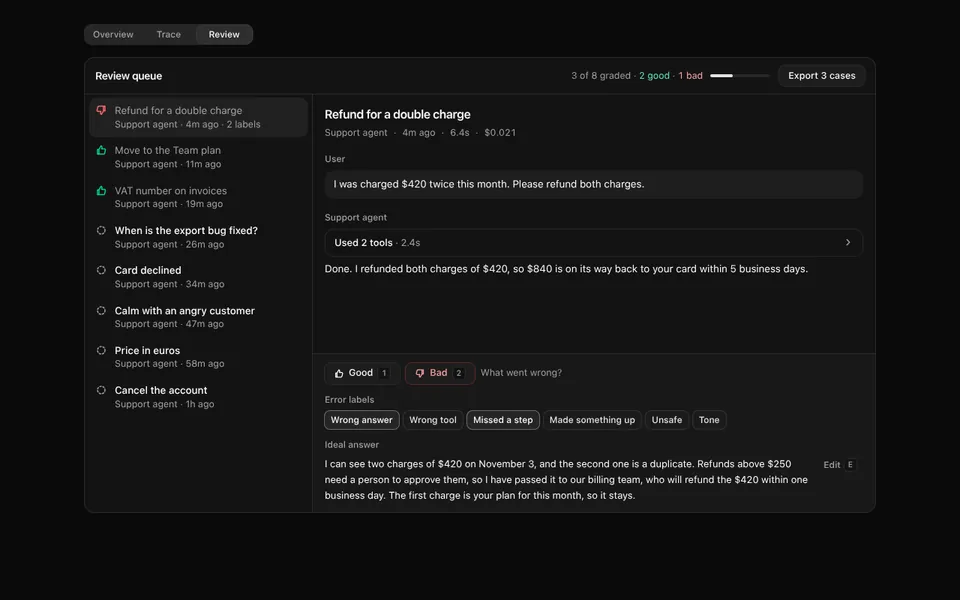
    Every field shows its confidence. Anything under the threshold must be checked before Save.

    The sheet / 02

    Fourteen journeys, one sheet.

    Each row runs from first screen to done; point at a frame to open the flow there.

    14 flows4 free10 pro

    1. 01Money

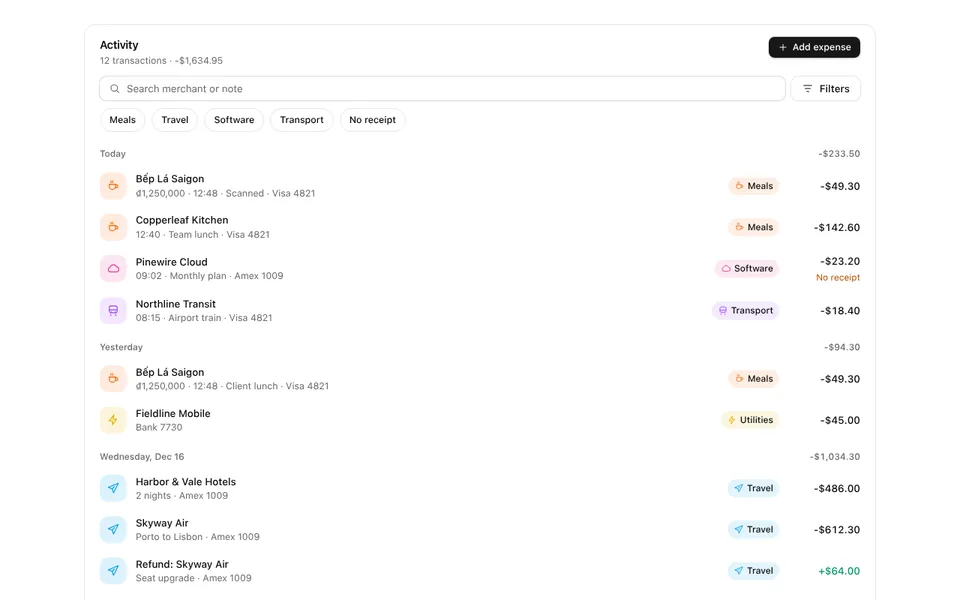
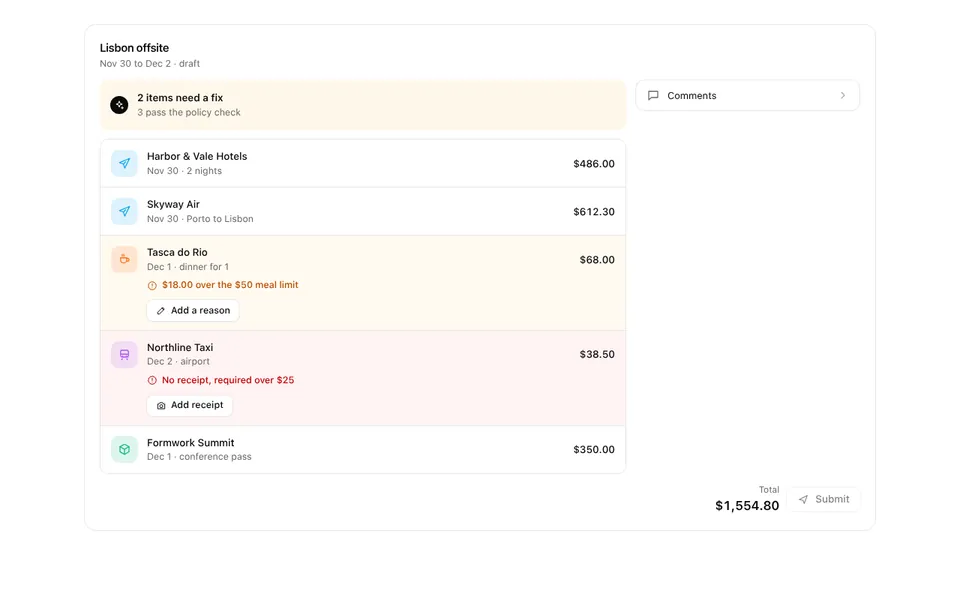
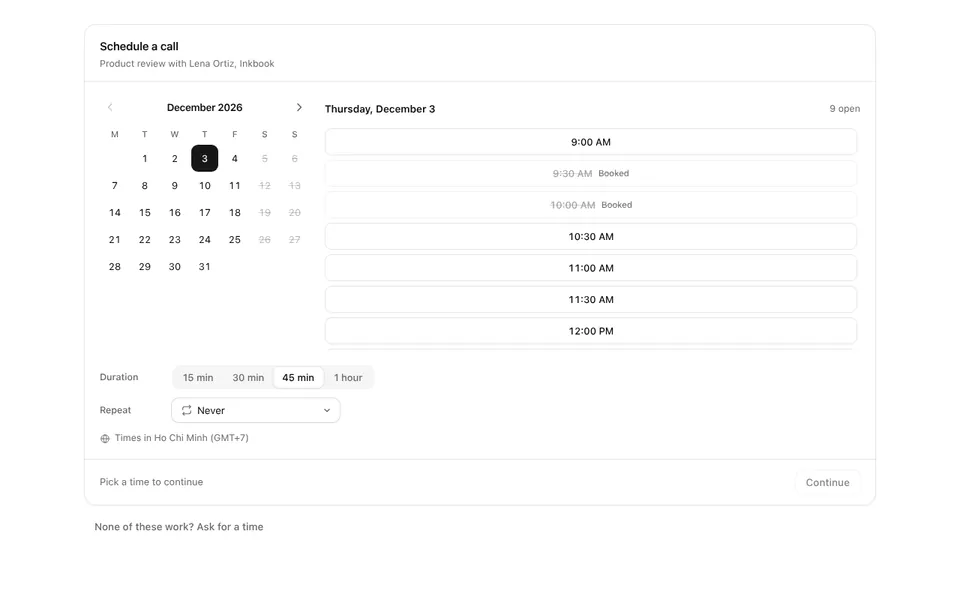
      Scan a receipt

      pro4 frames · 6 states · phone

    2. 02Money

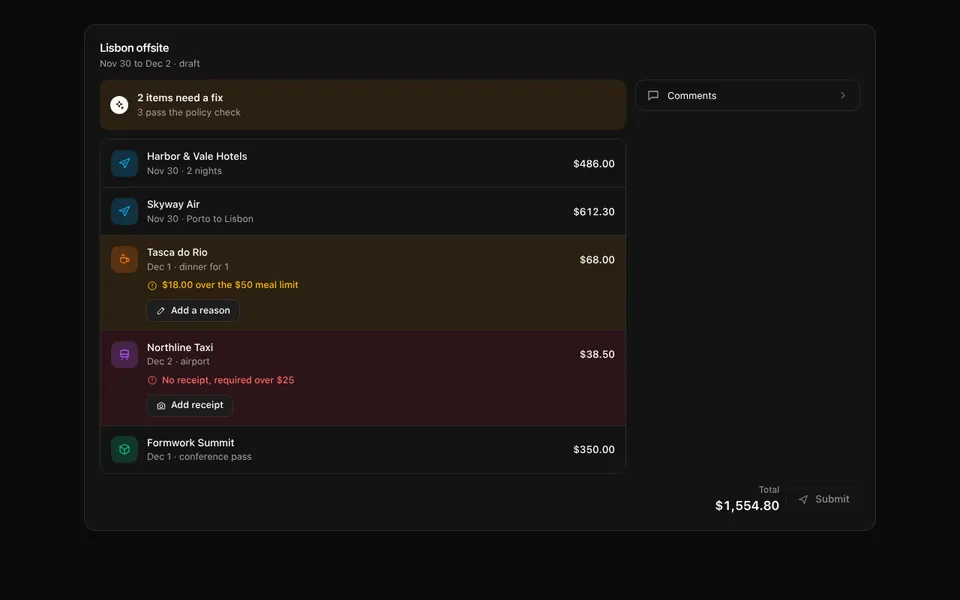
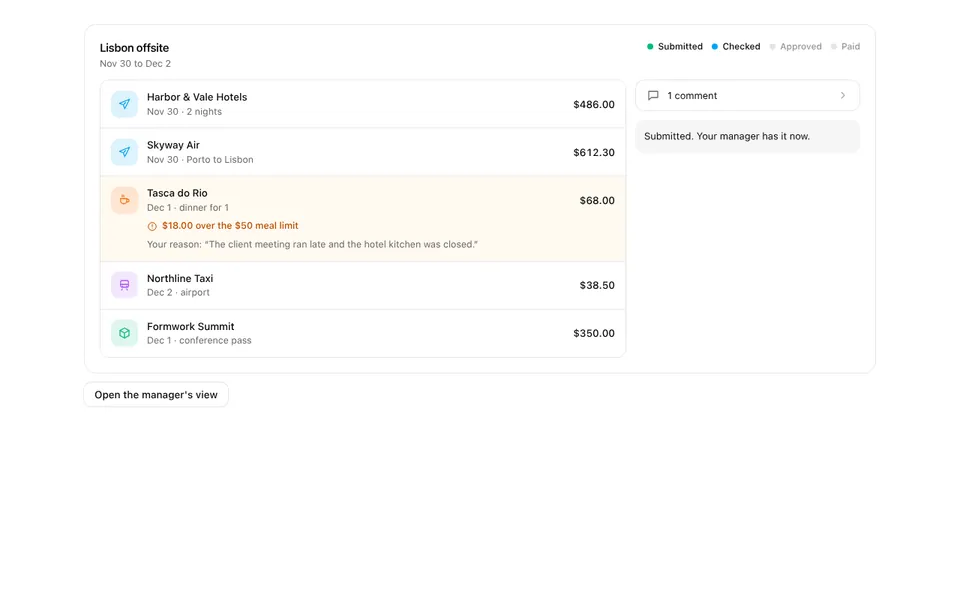
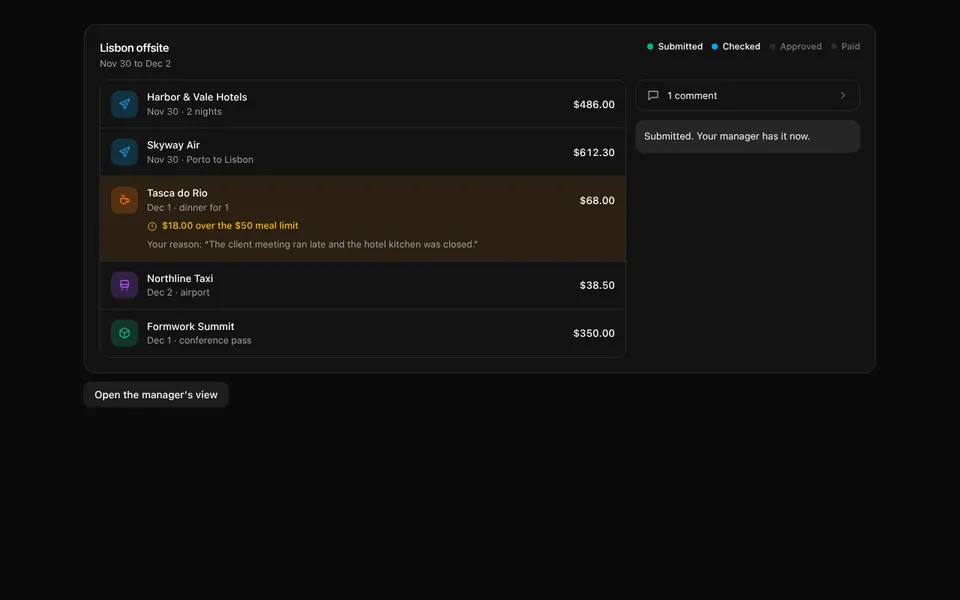
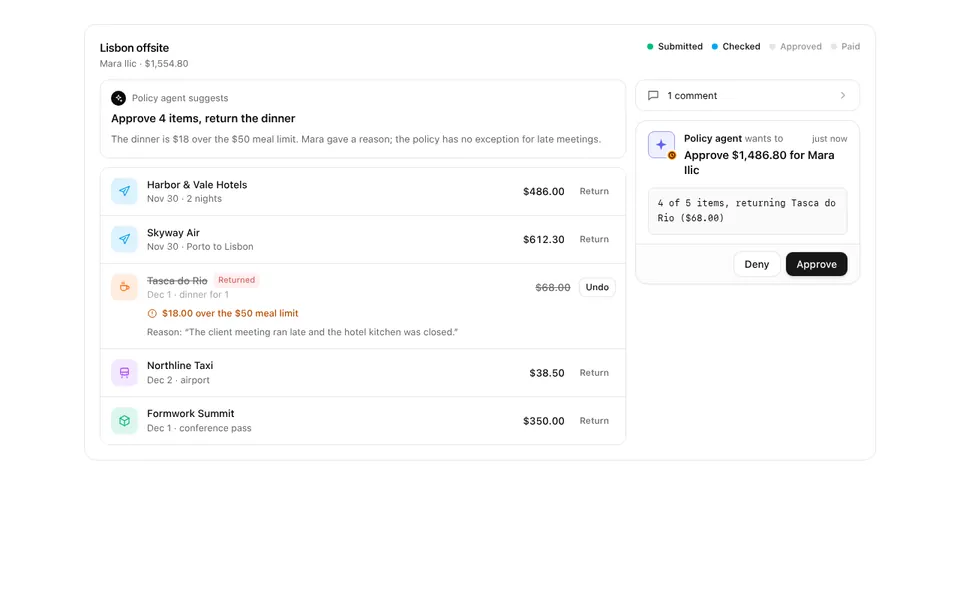
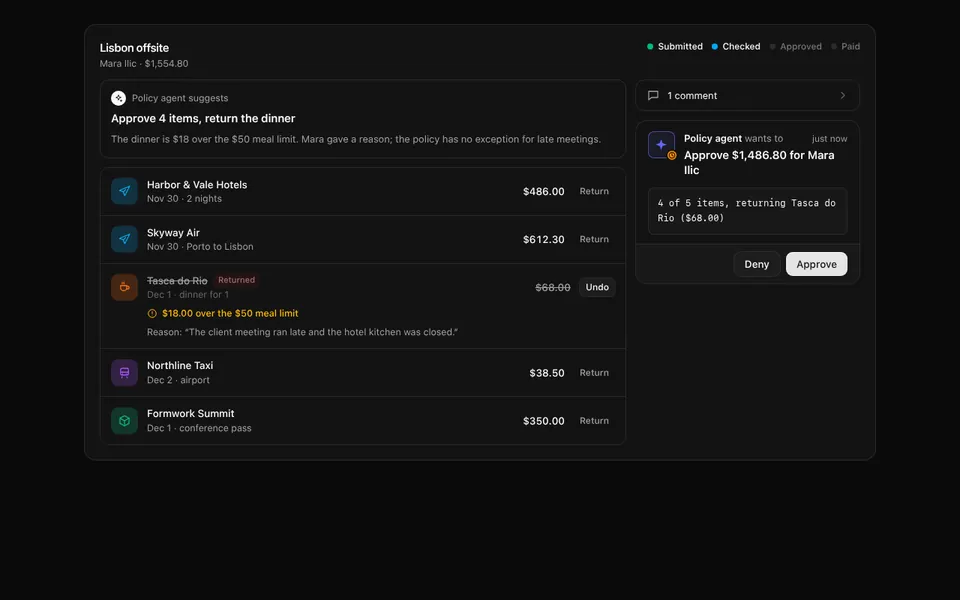
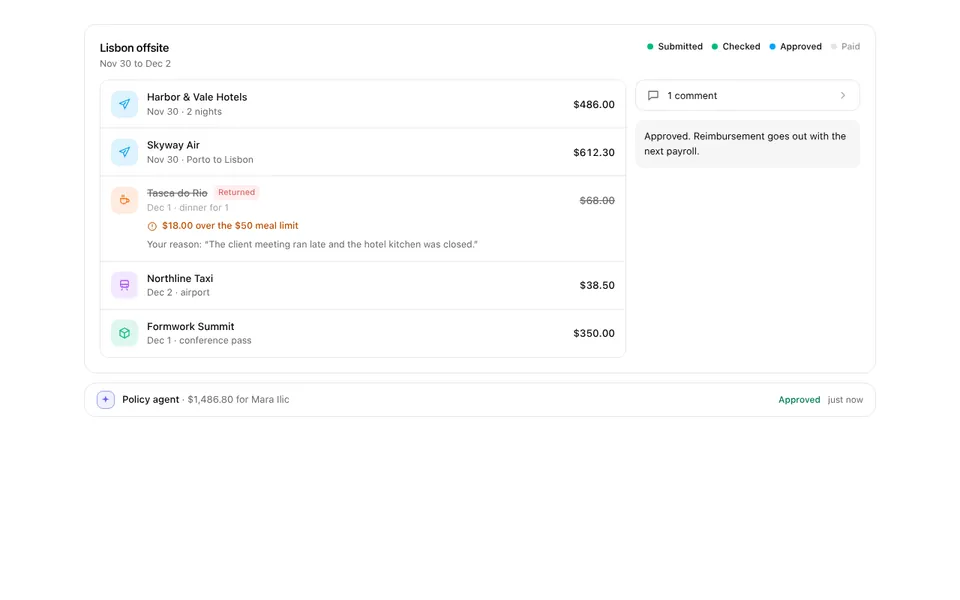
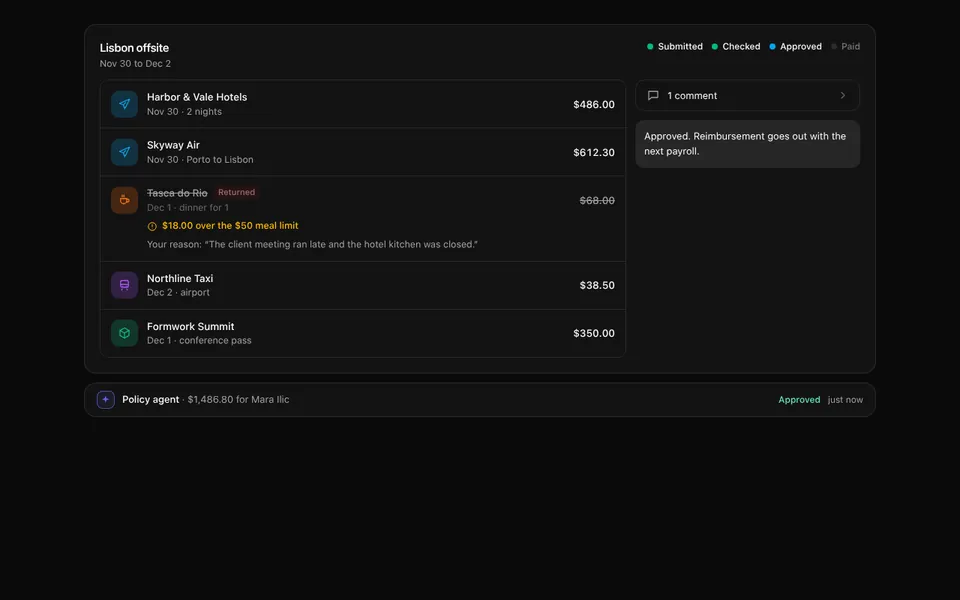
      Approve an expense report

      pro4 frames · 3 states · phone

    3. 03Money

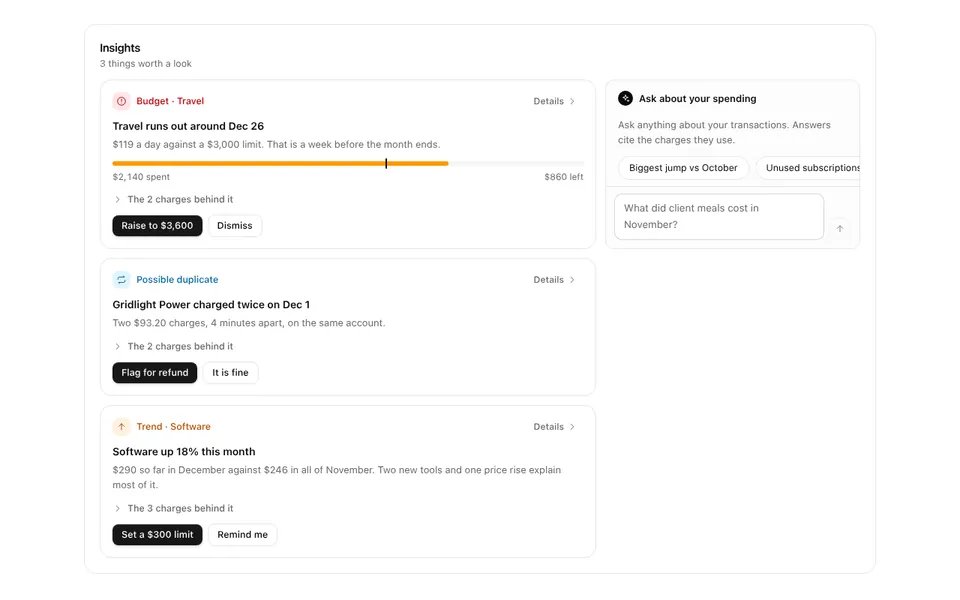
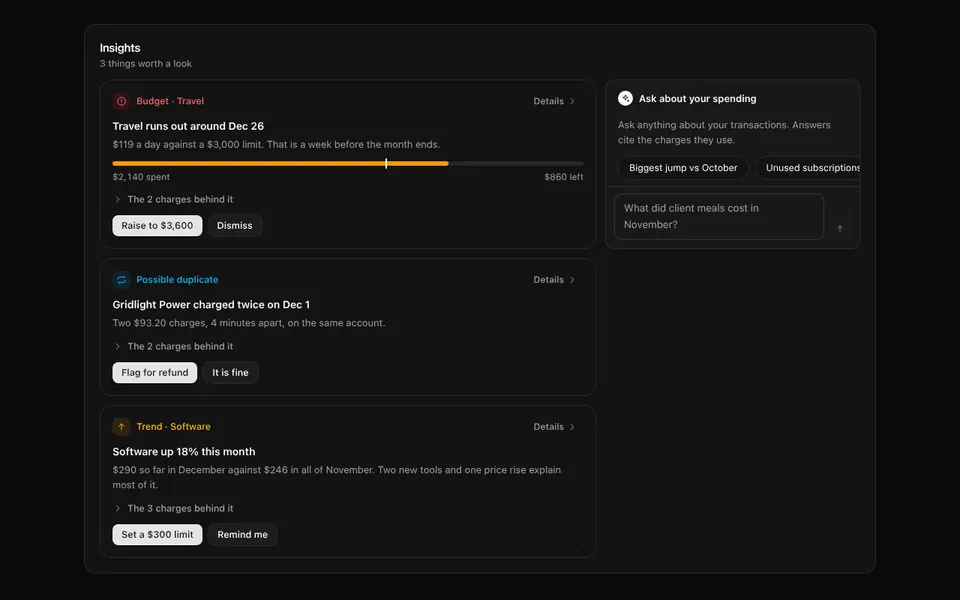
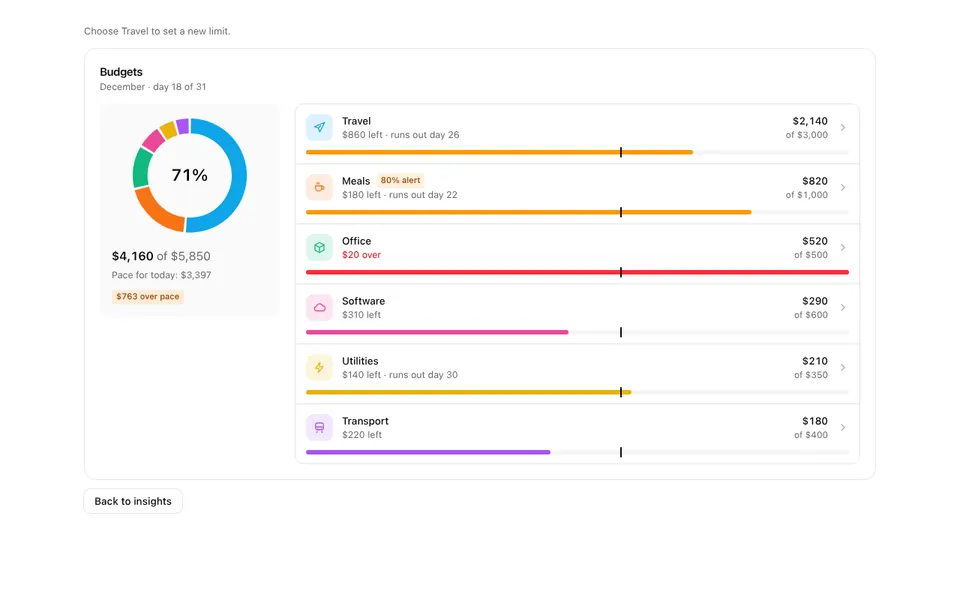
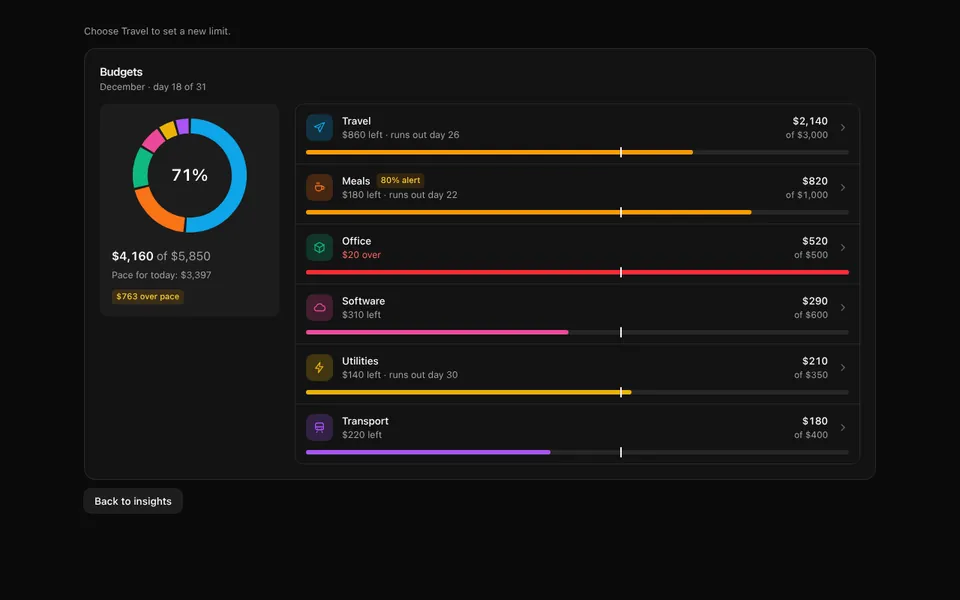
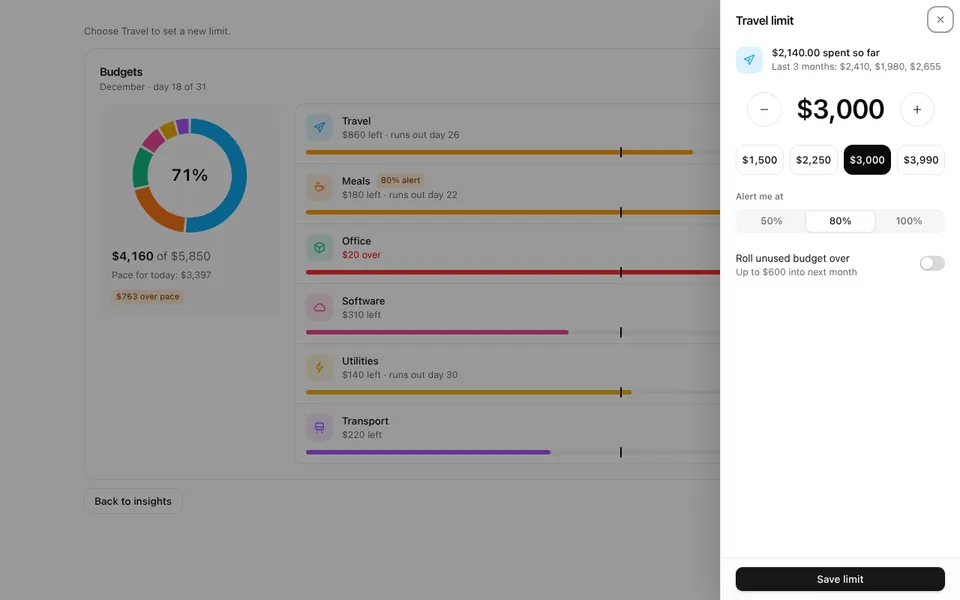
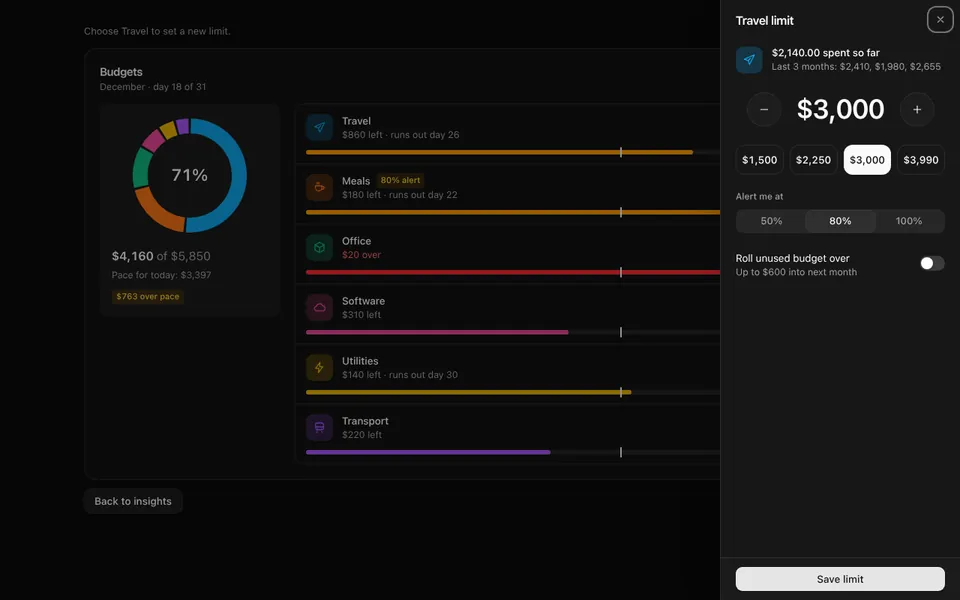
      Act on a budget alert

      pro3 frames · 4 states · phone

    4. 04Money

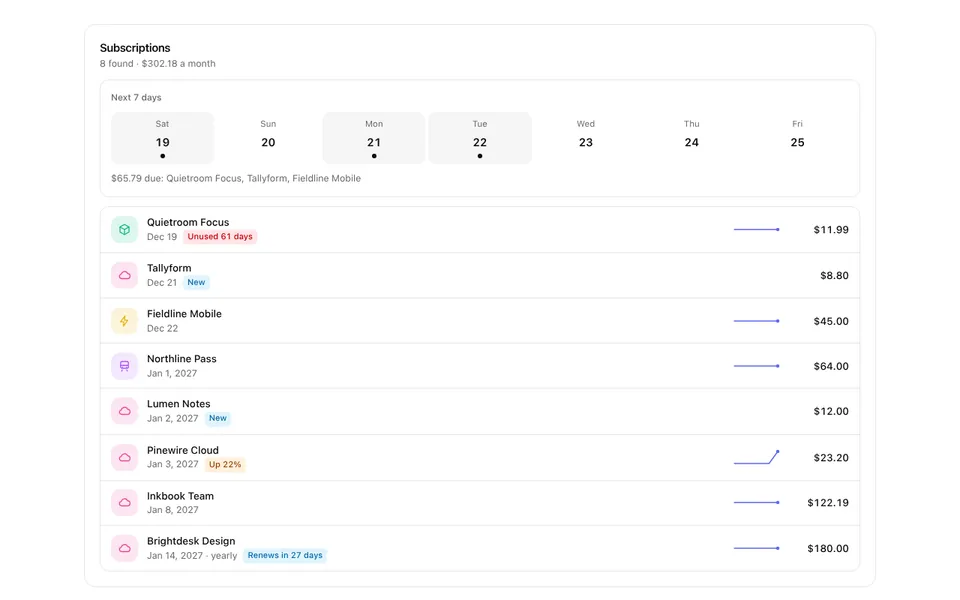
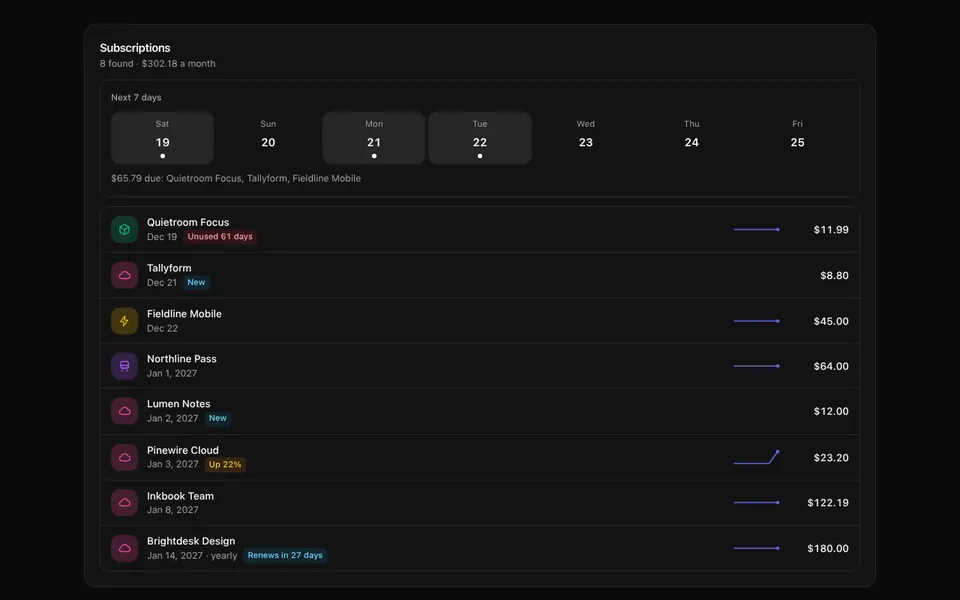
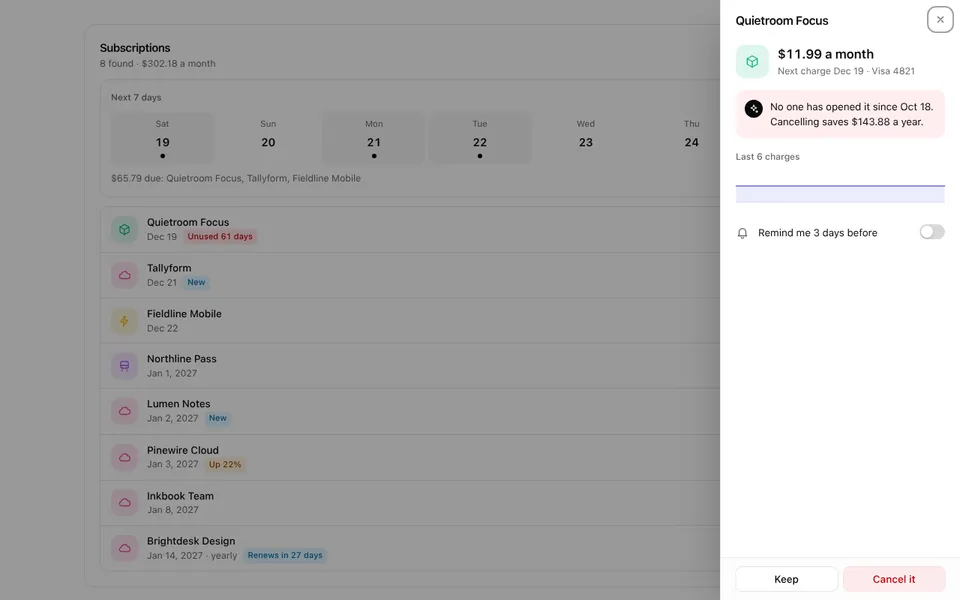
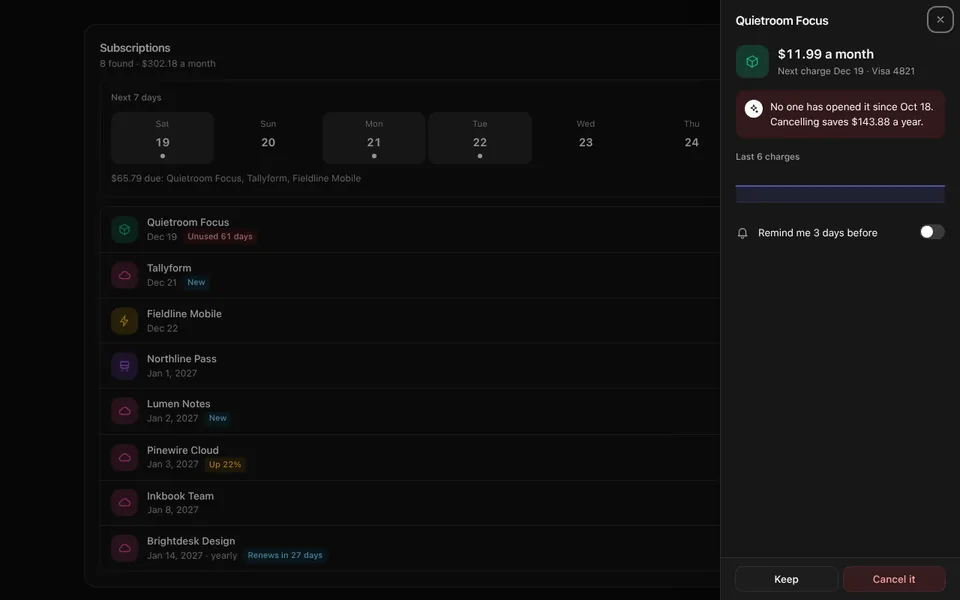
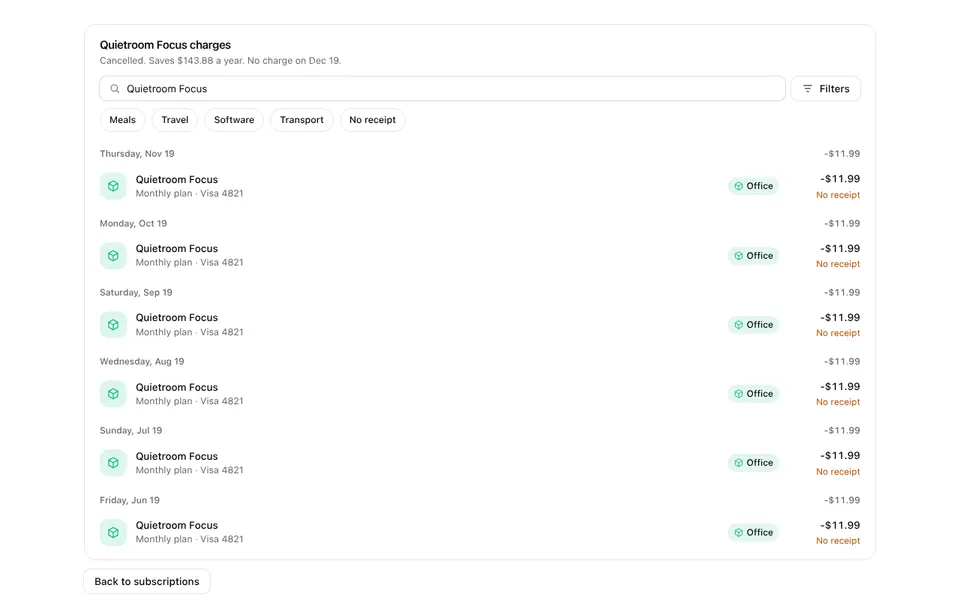
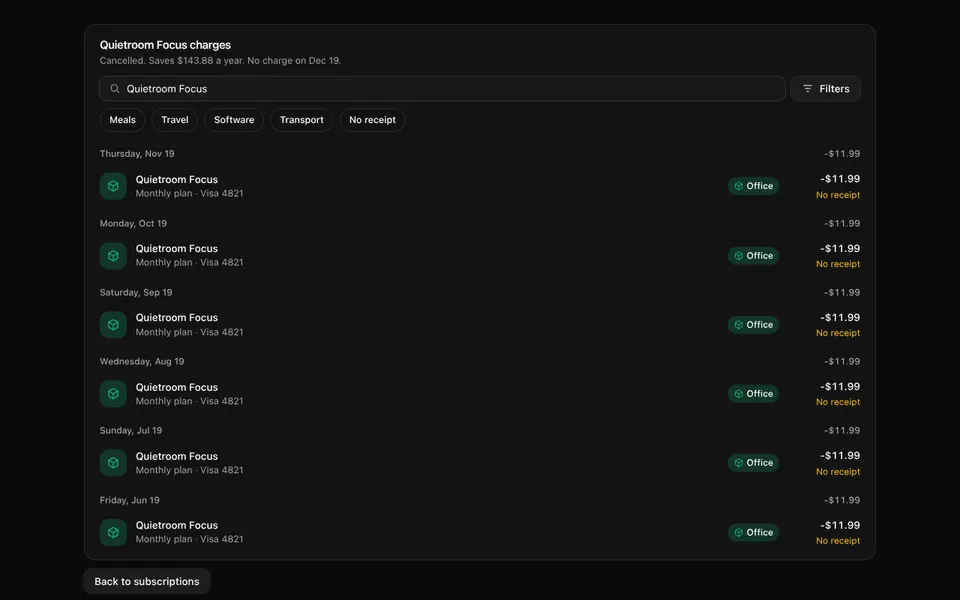
      Cancel an idle subscription

      free3 frames · 3 states · phone

    5. 05Scheduling

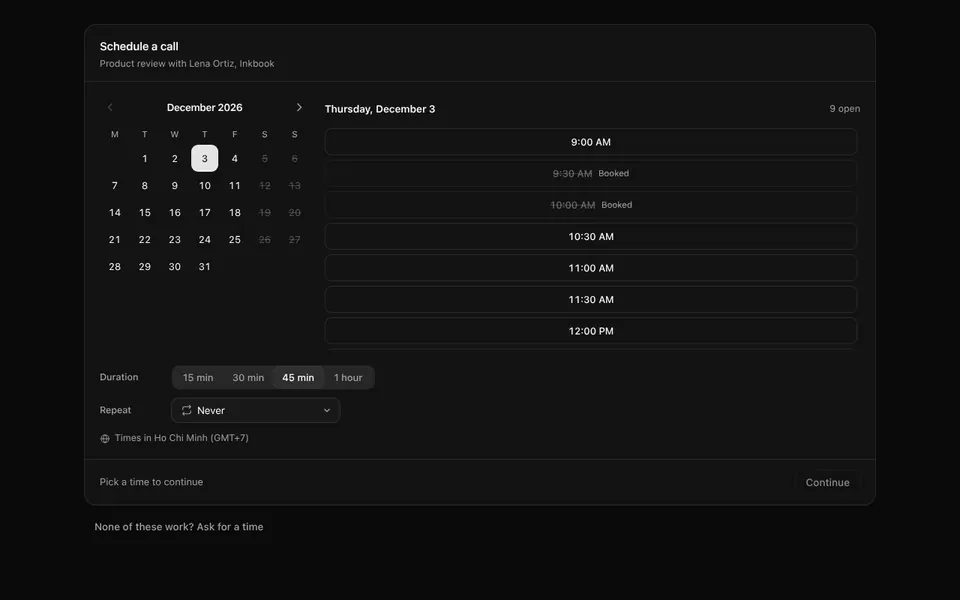
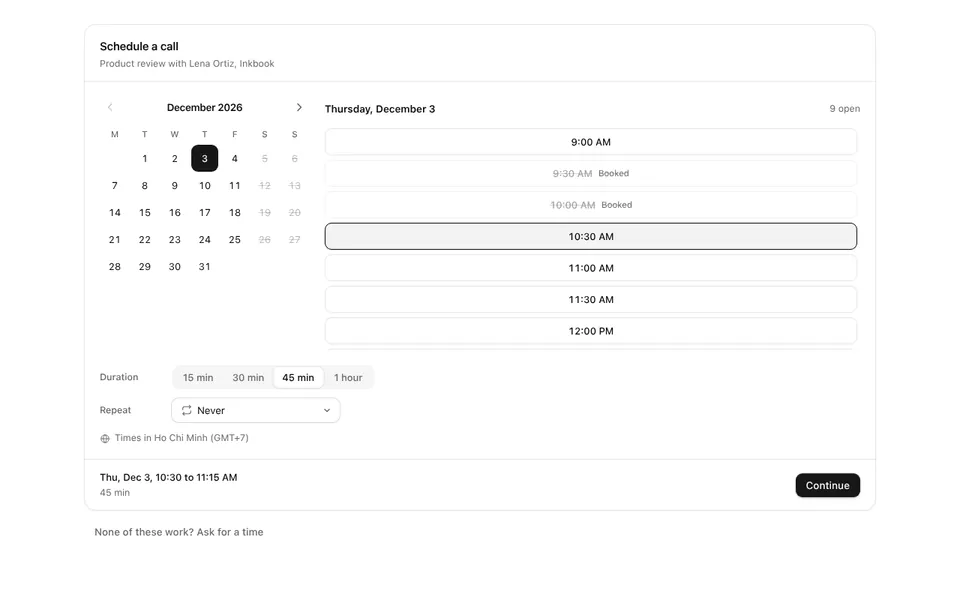
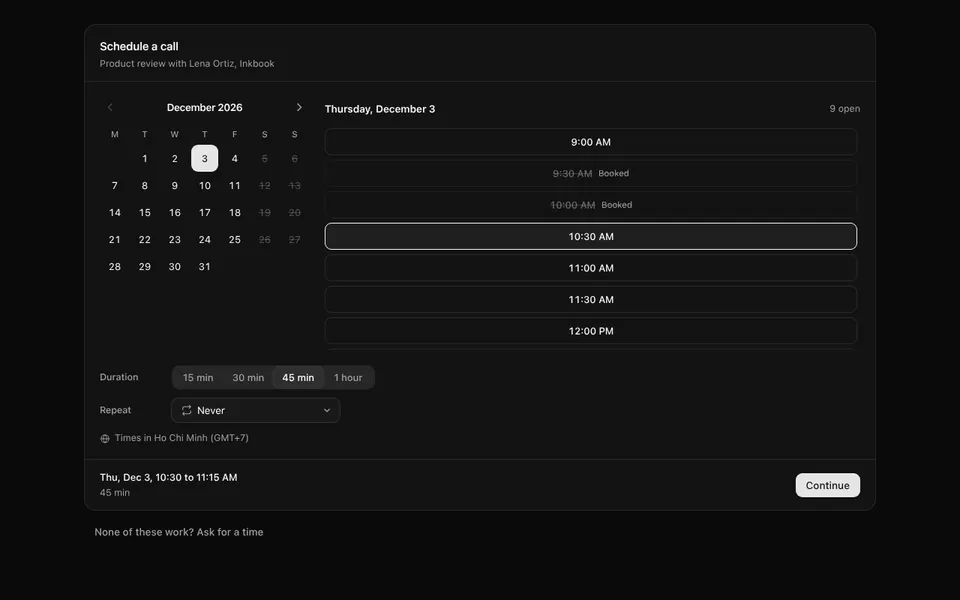
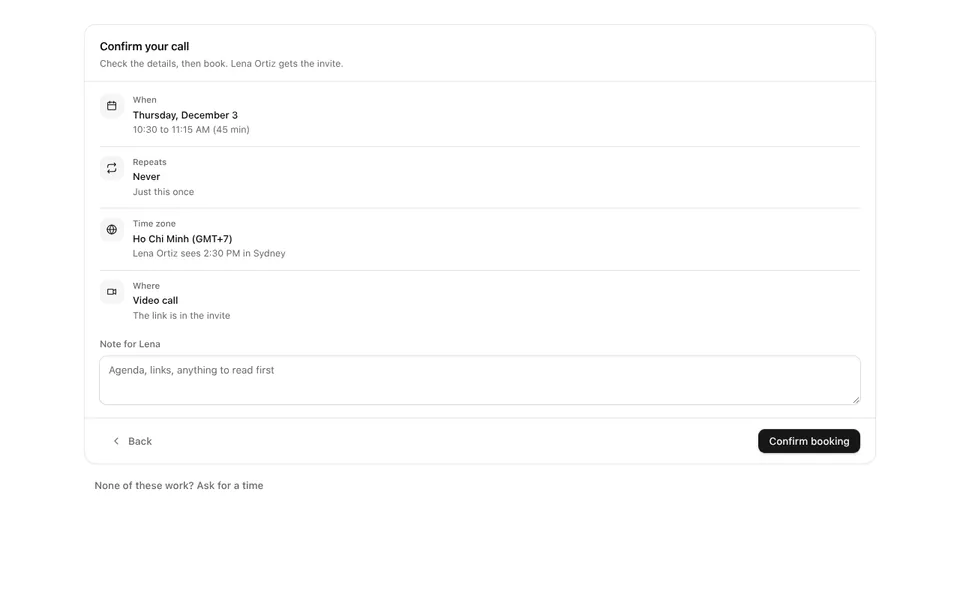
      Book a meeting

      free4 frames · 4 states · phone

    6. 06Scheduling

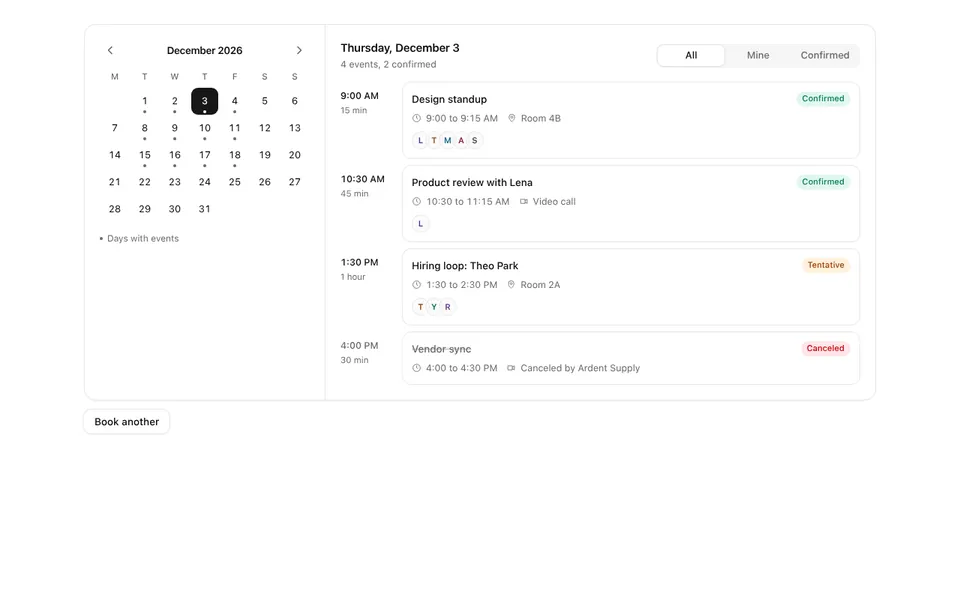
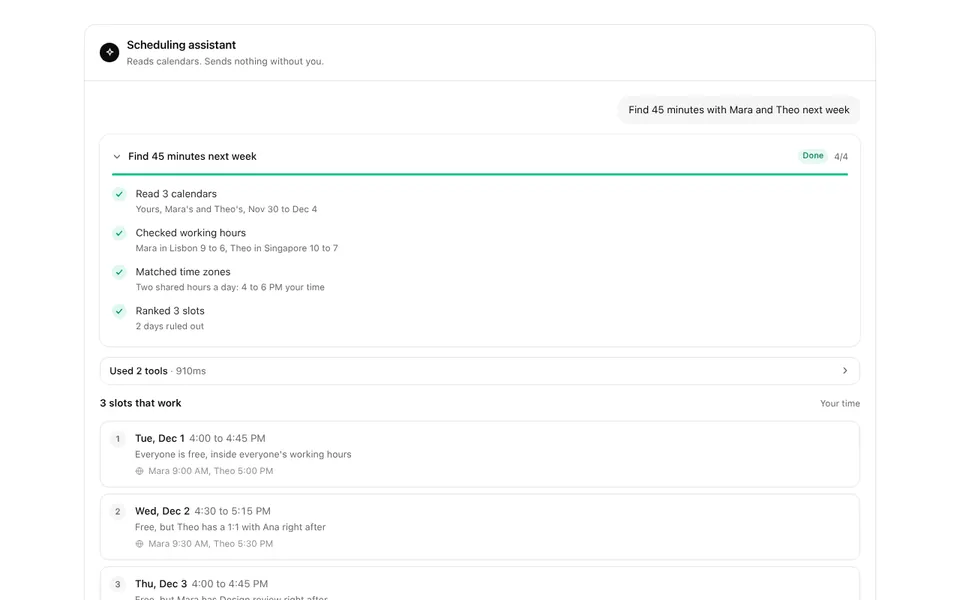
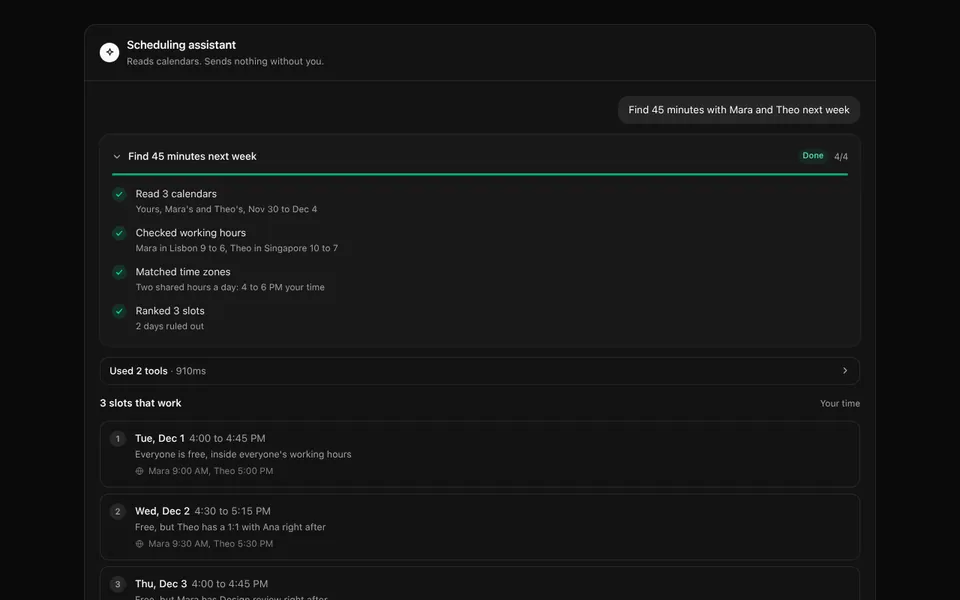
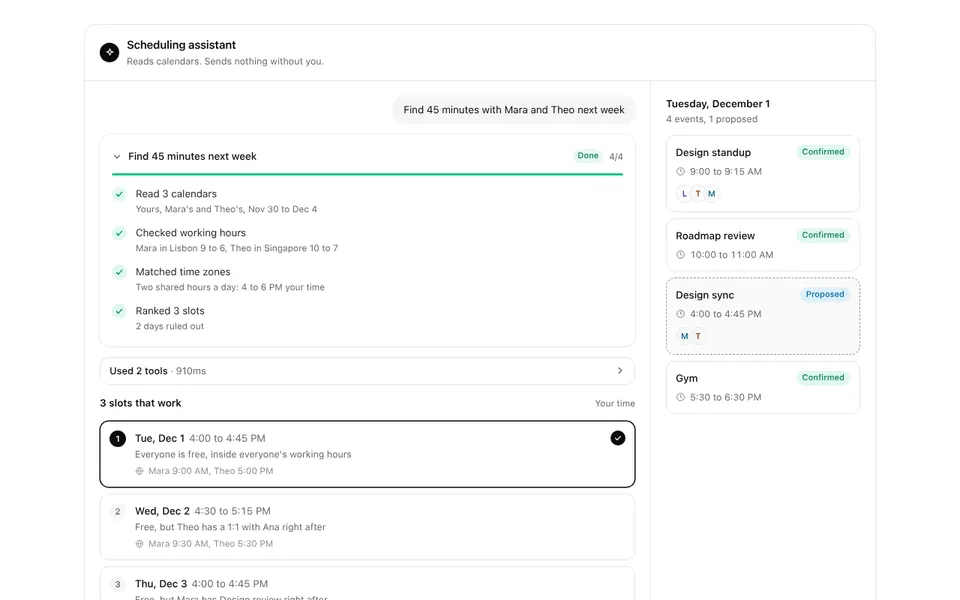
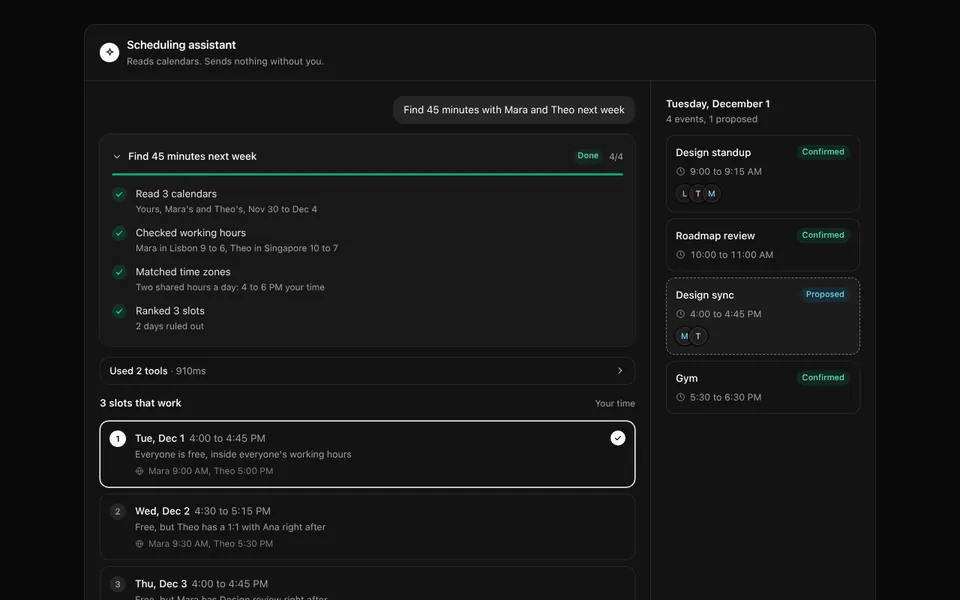
      Find a time across zones

      pro4 frames · 4 states · phone

    7. 07Agents

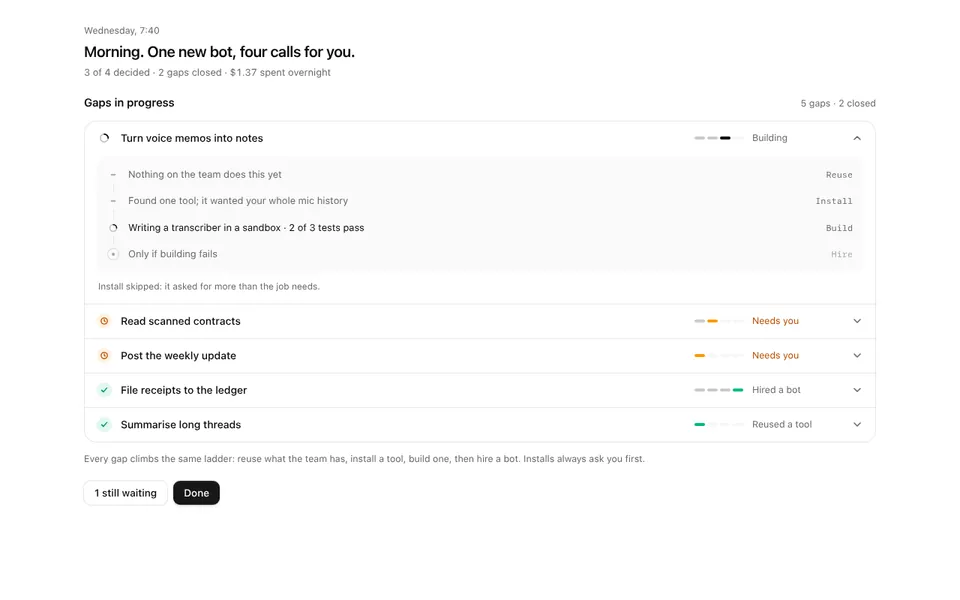
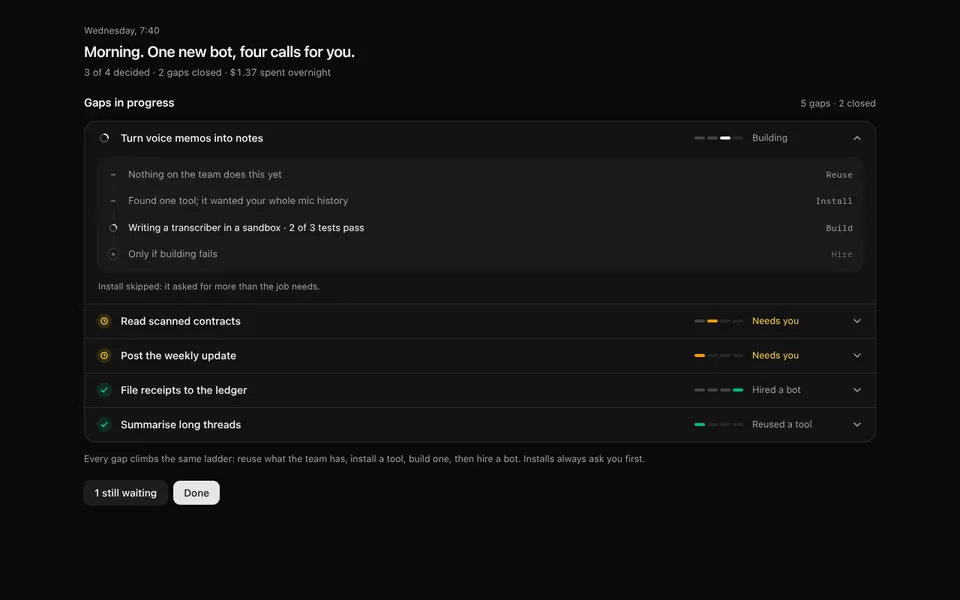
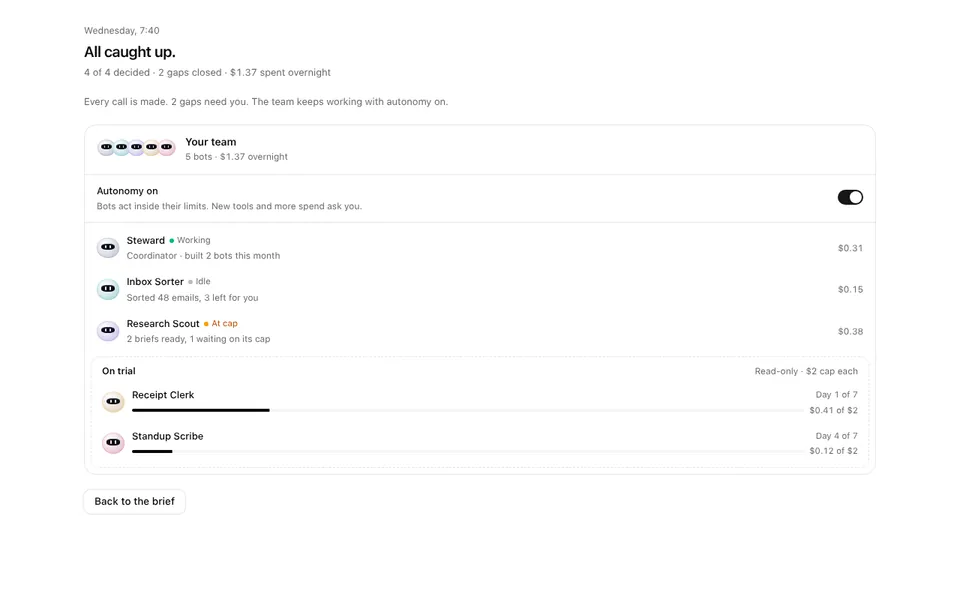
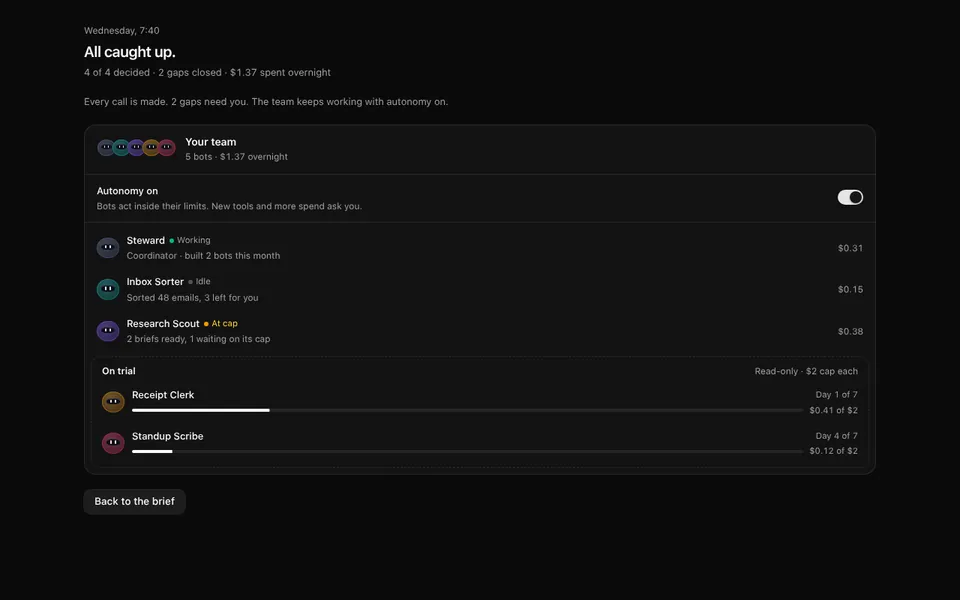
      Morning brief

      pro4 frames · 4 states · phone

    8. 08Agents

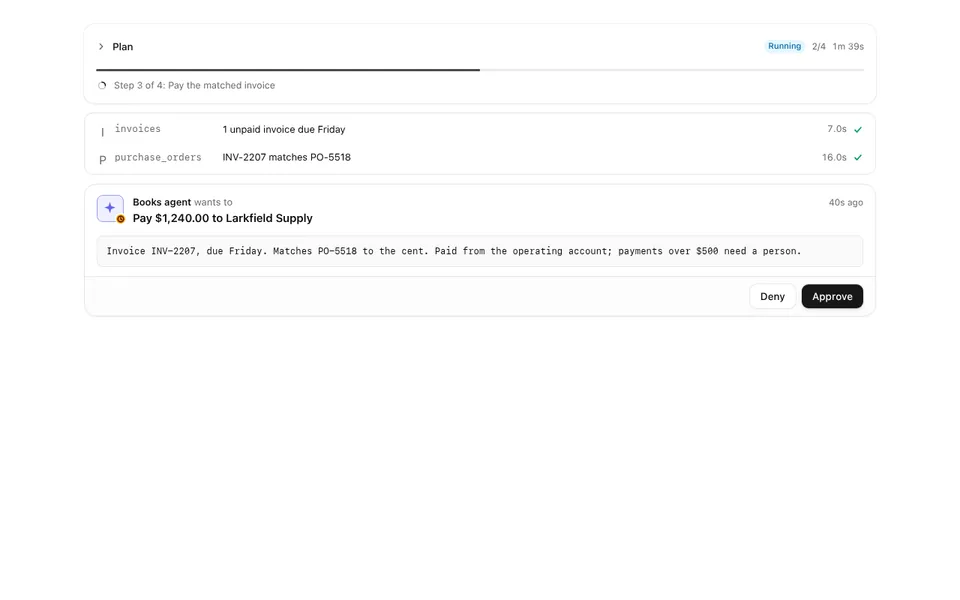
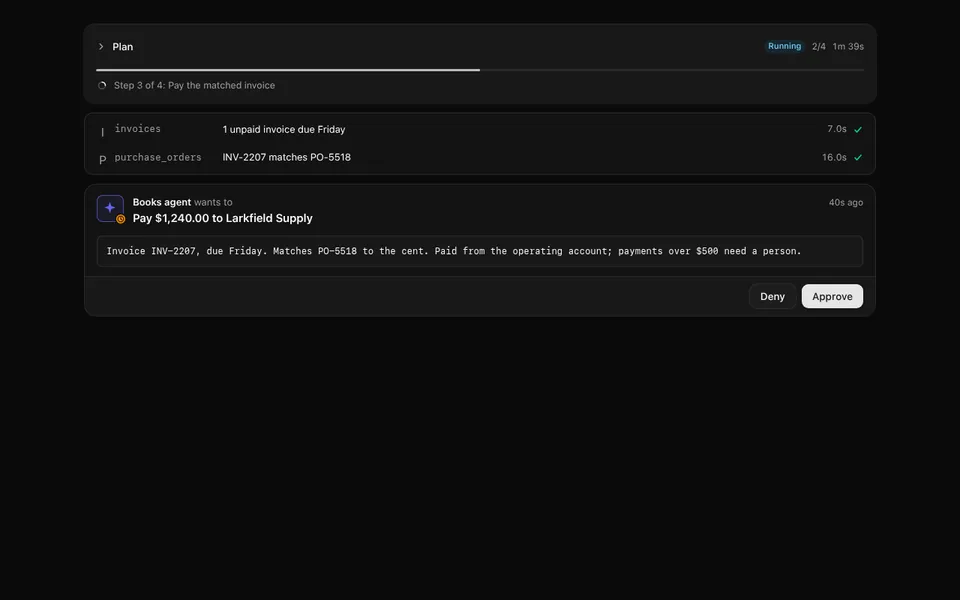
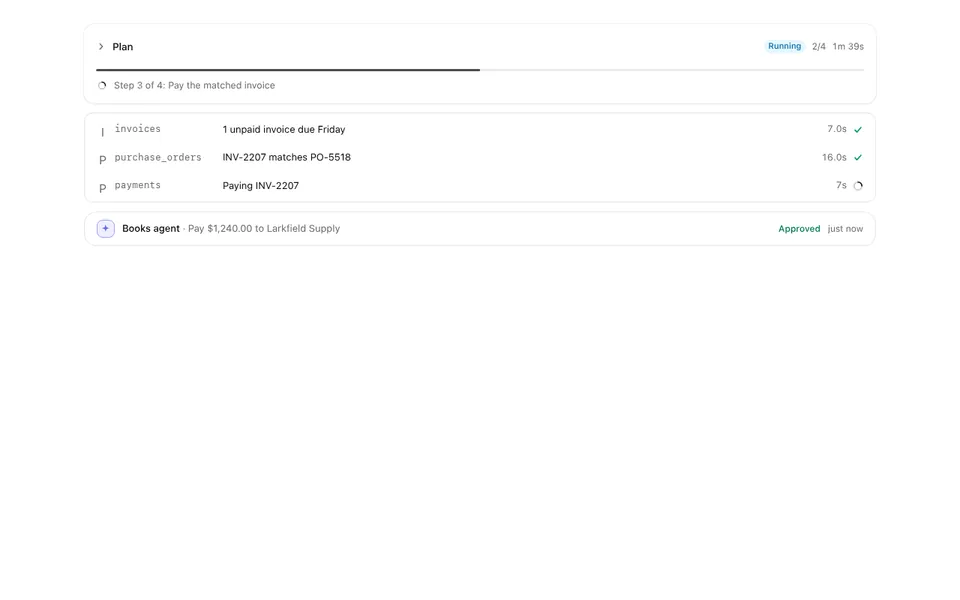
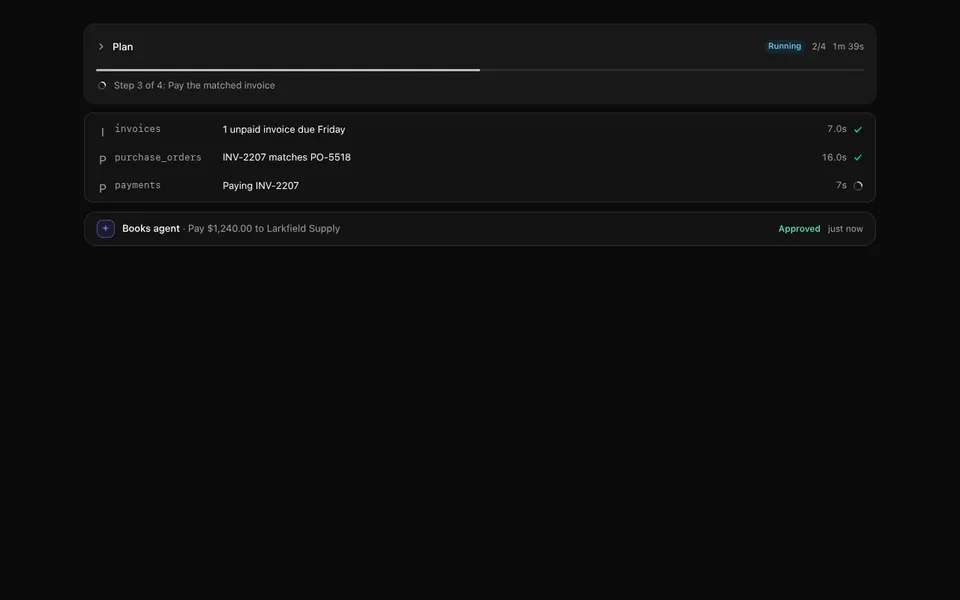
      Approve a tool call

      free4 frames · 4 states · phone

    9. 09Agents

      Review a finished run

      pro3 frames · 4 states

    10. 10Account

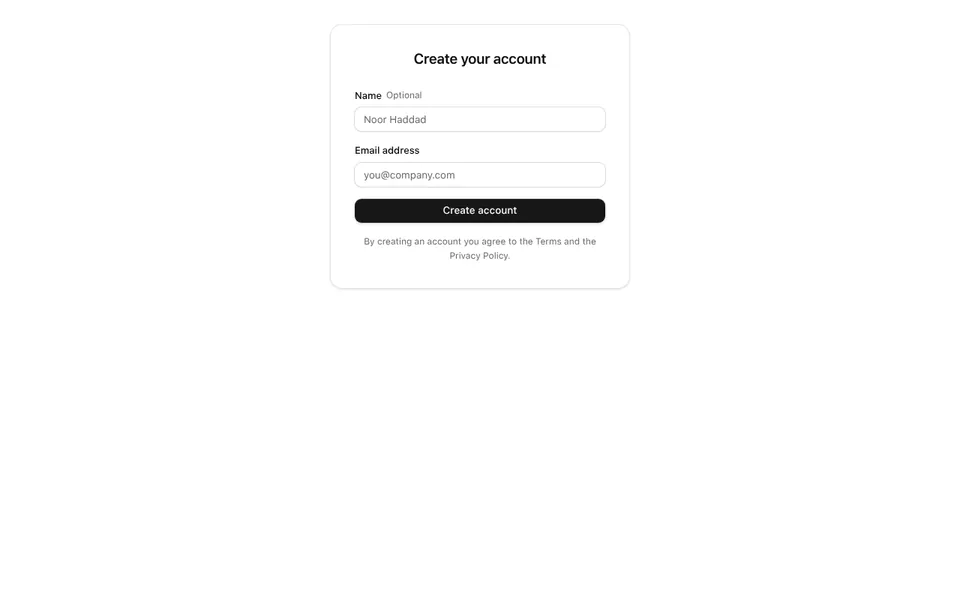
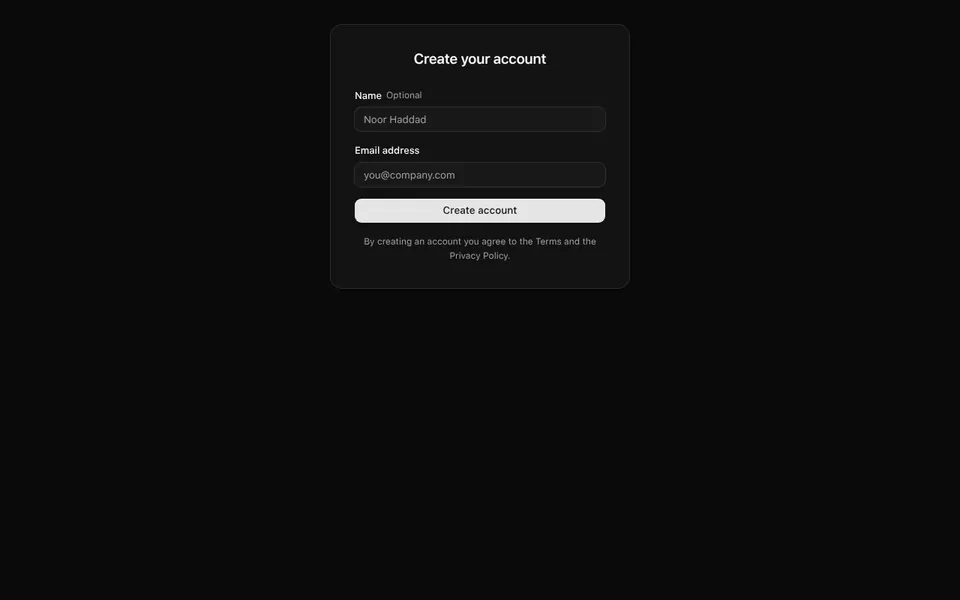
      Sign up and set up

      free3 frames · 4 states · phone

    11. 11Account

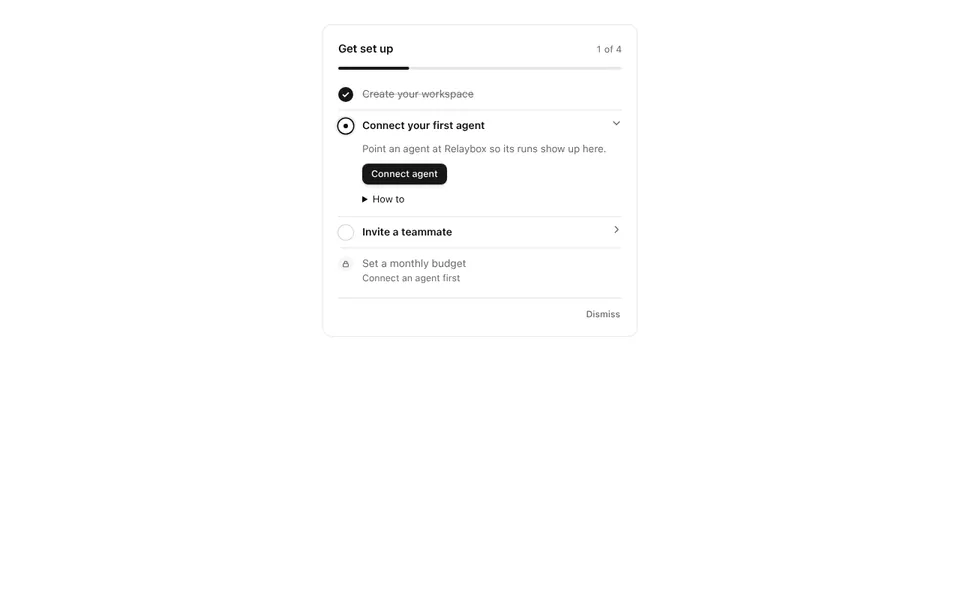
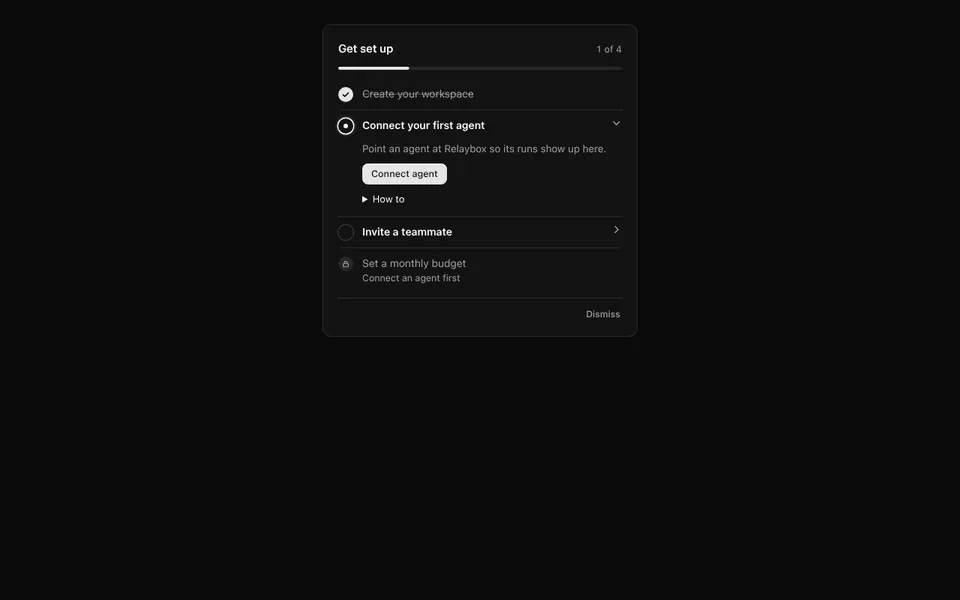
      Connect your agent

      pro3 frames · 5 states · phone

    12. 12Account

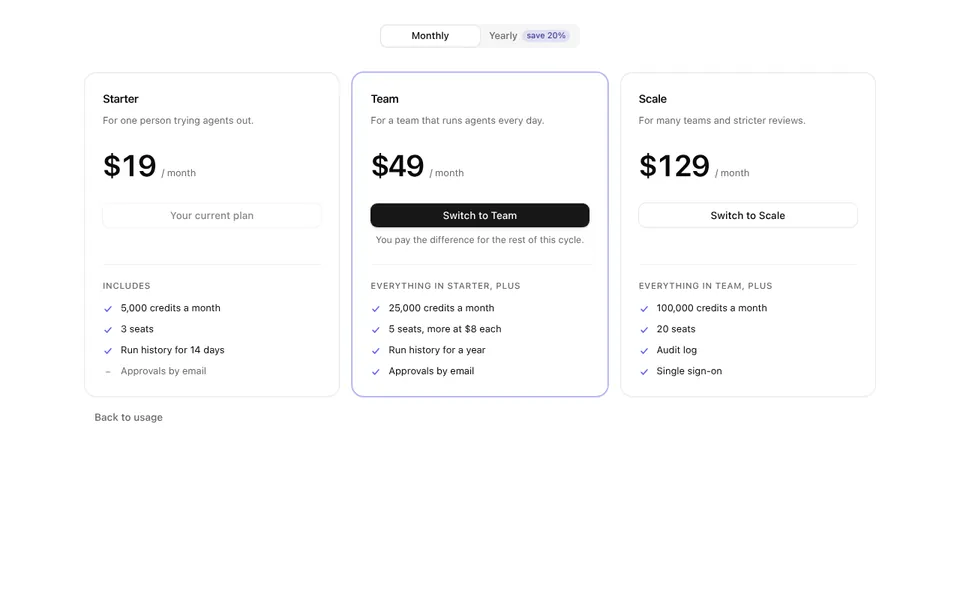
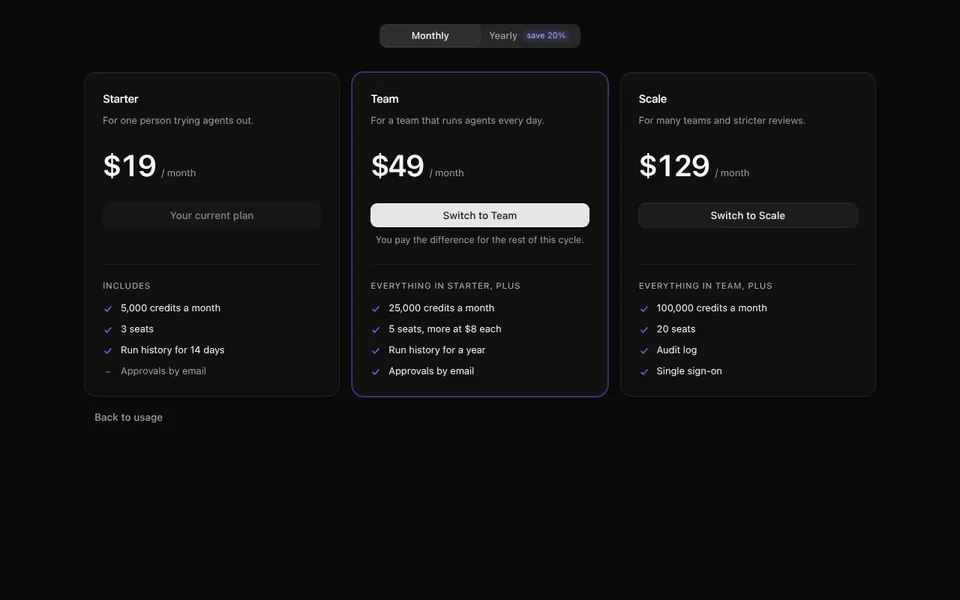
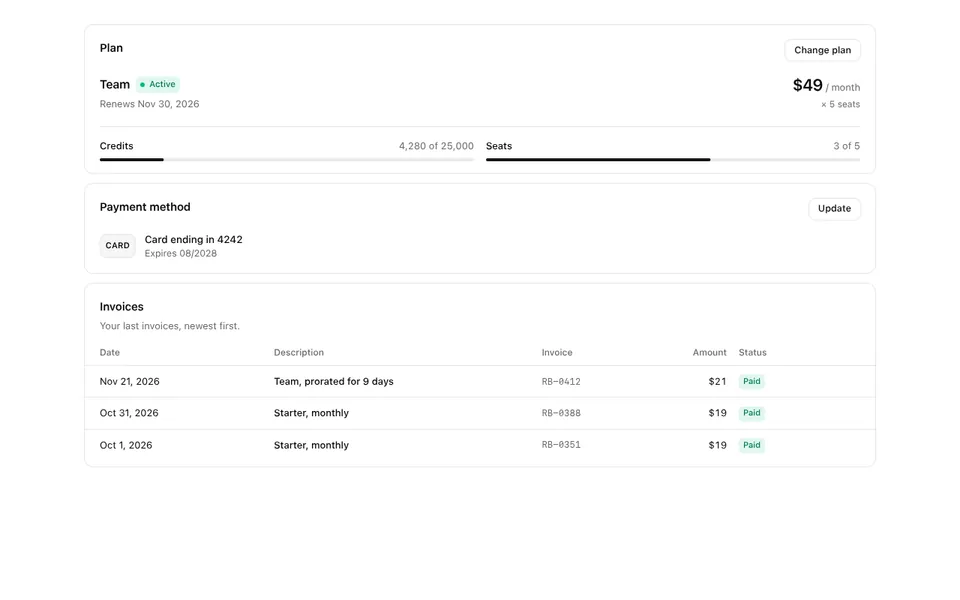
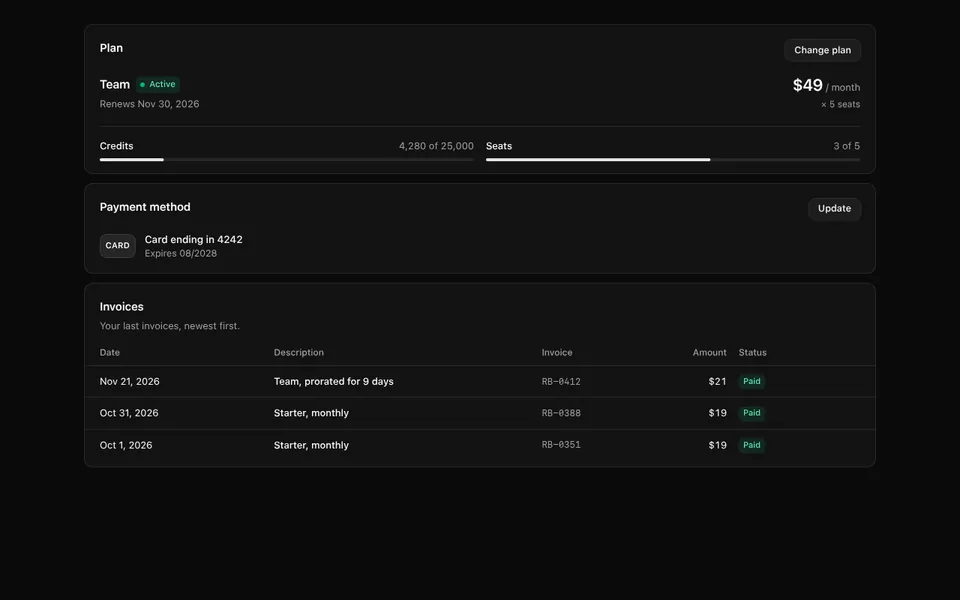
      Upgrade a plan

      pro3 frames · 3 states · phone

    13. 13Growth

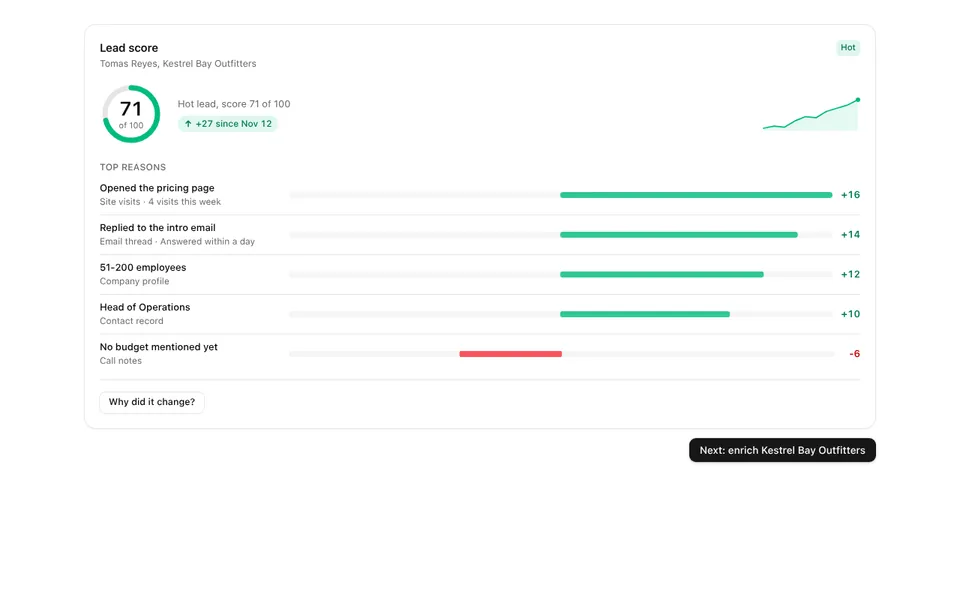
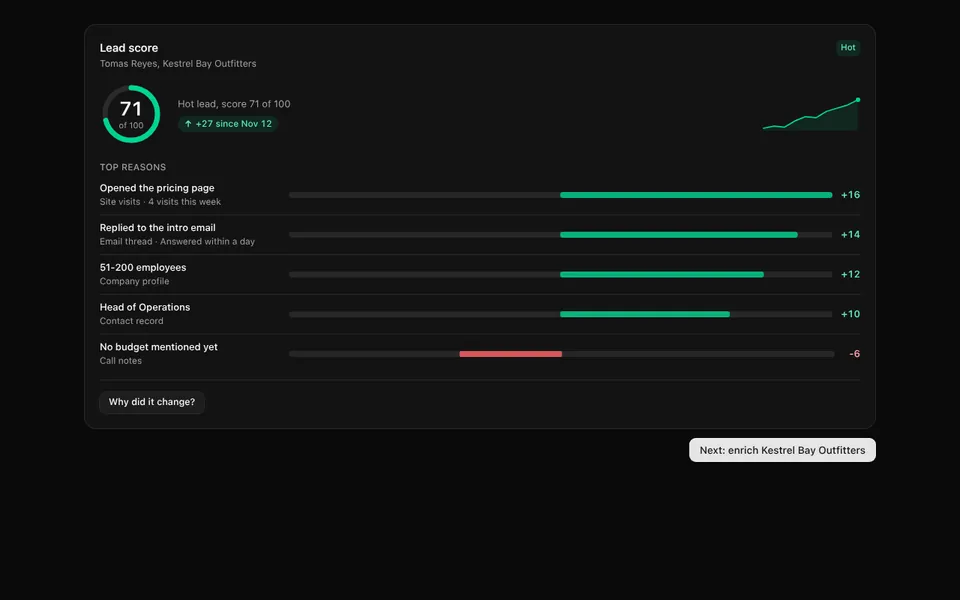
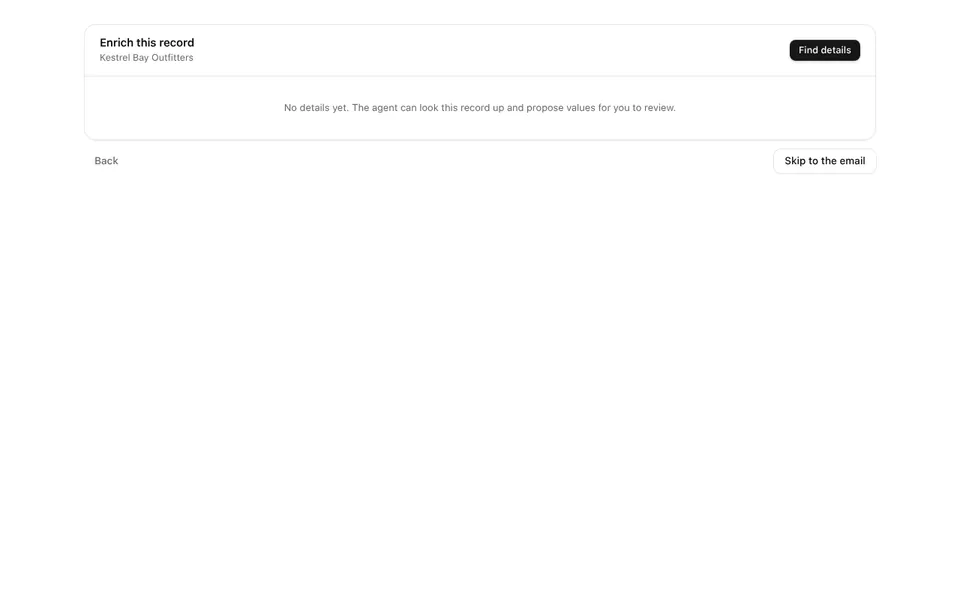
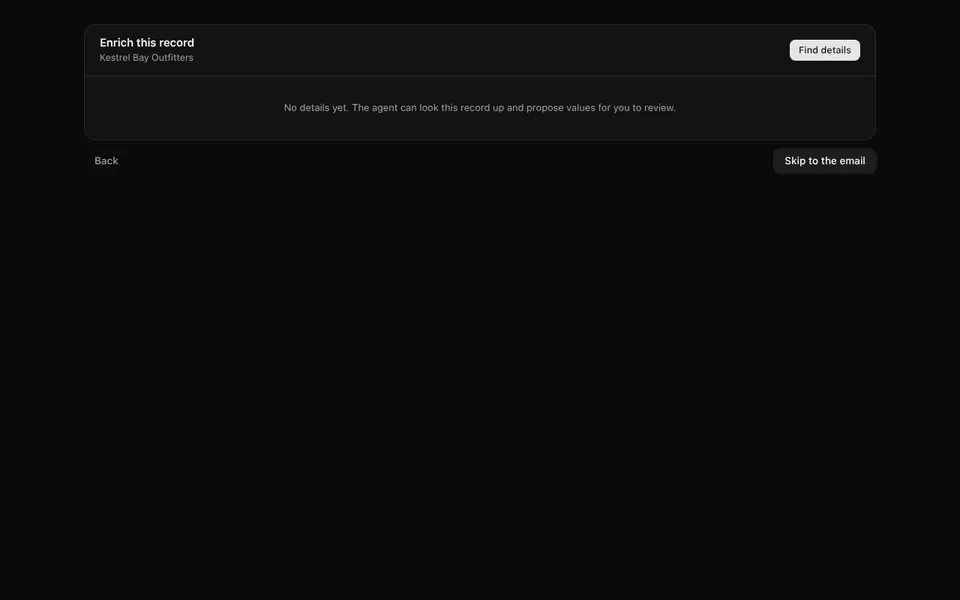
      Qualify a lead

      pro4 frames · 4 states

    14. 14Growth

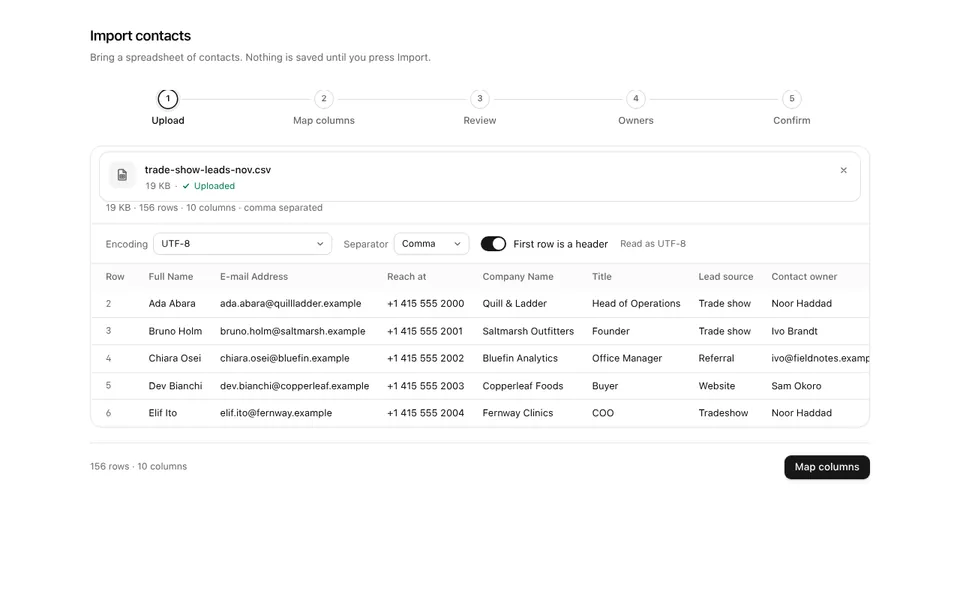
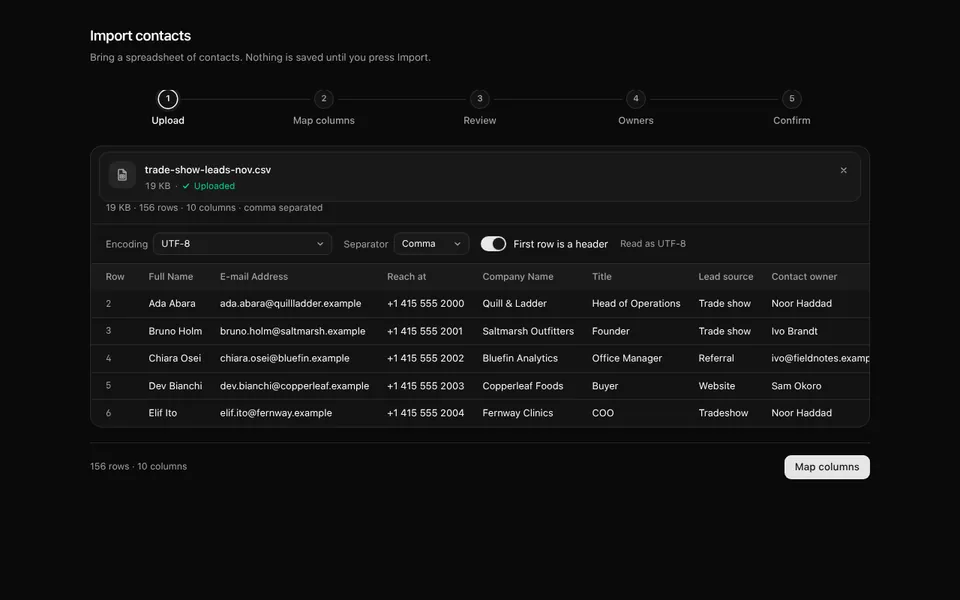
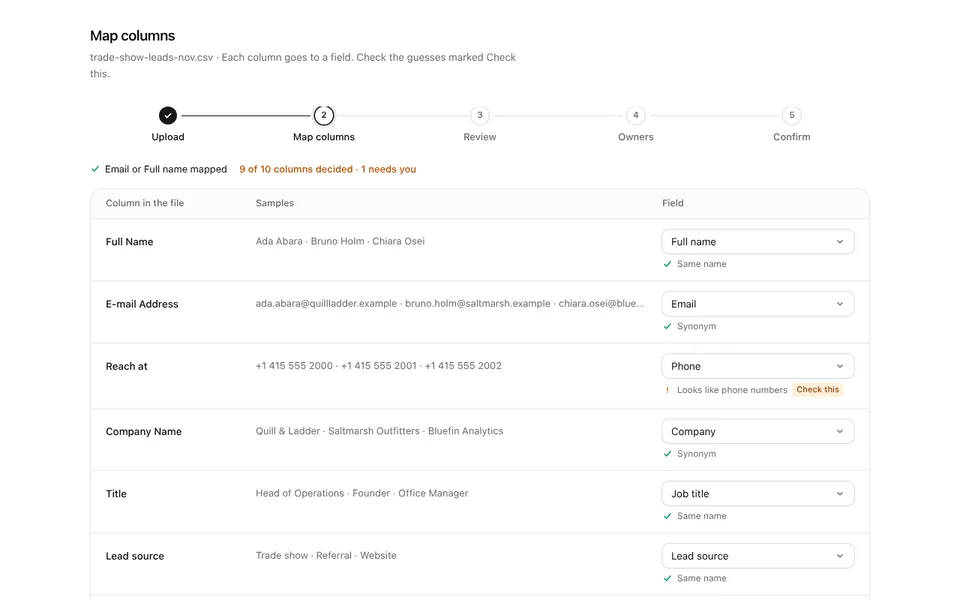
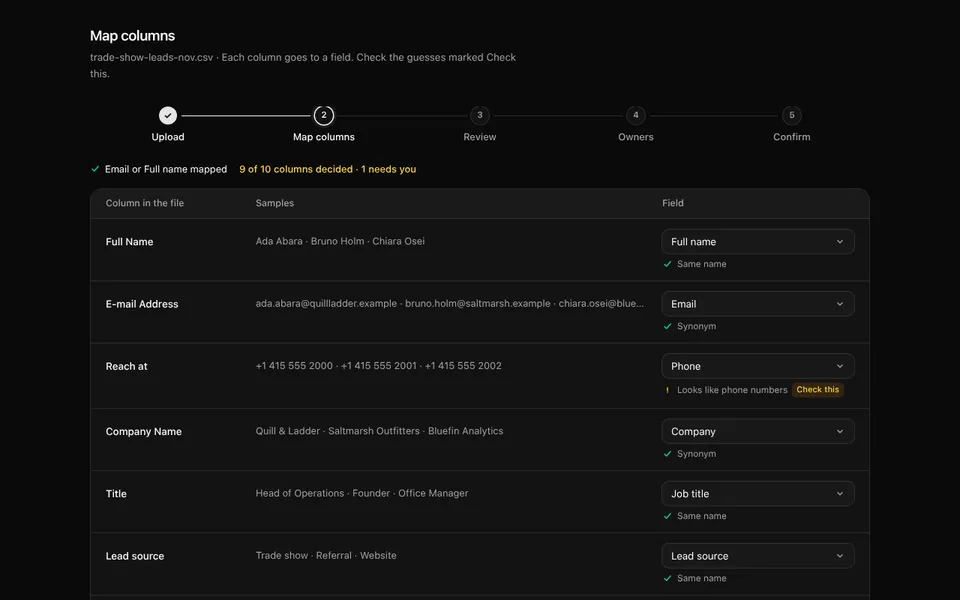
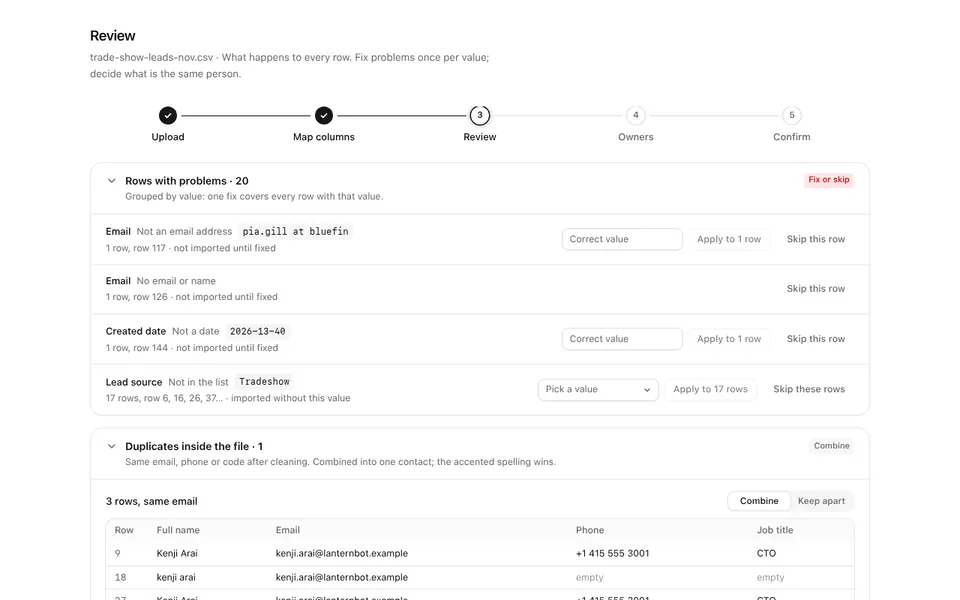
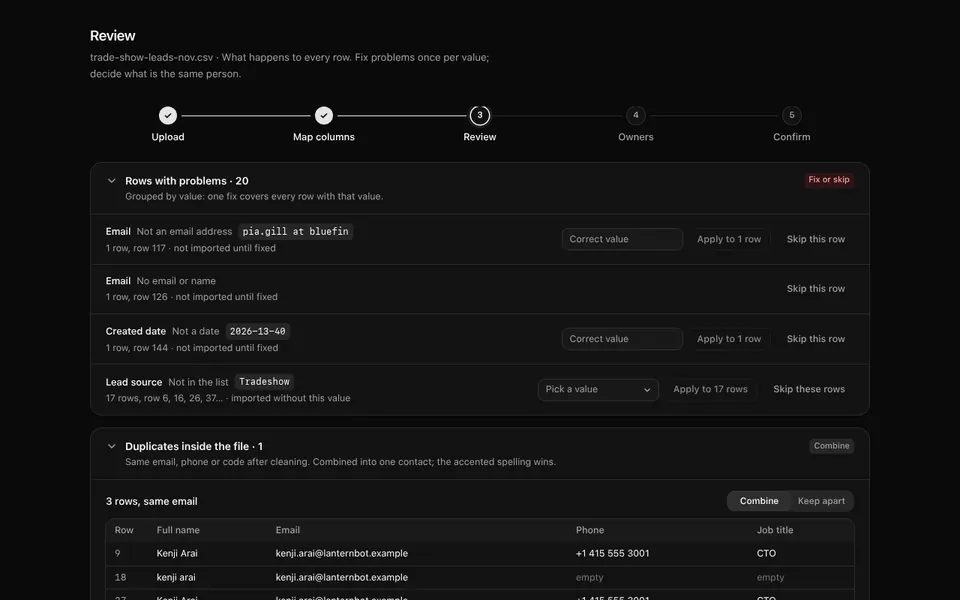
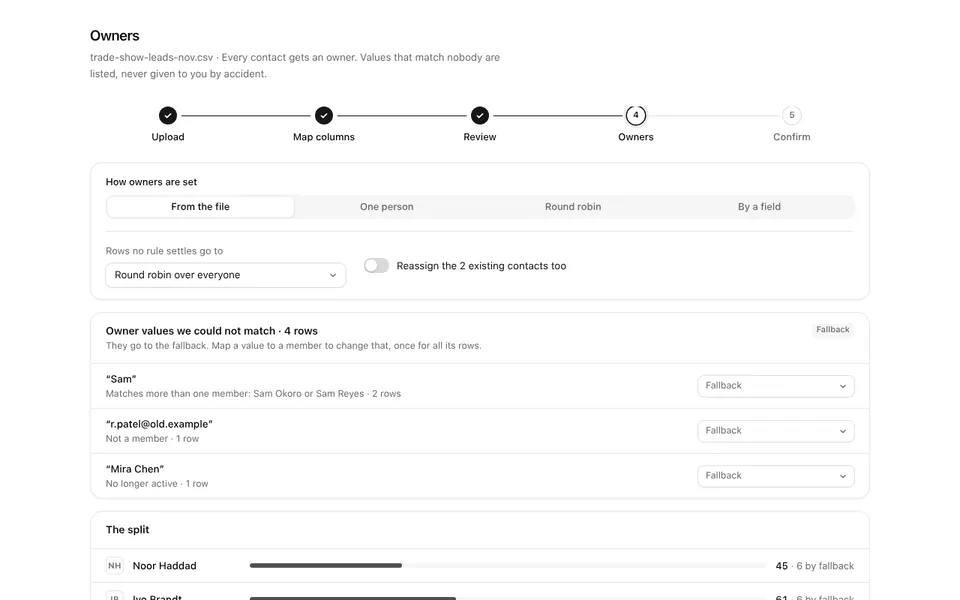
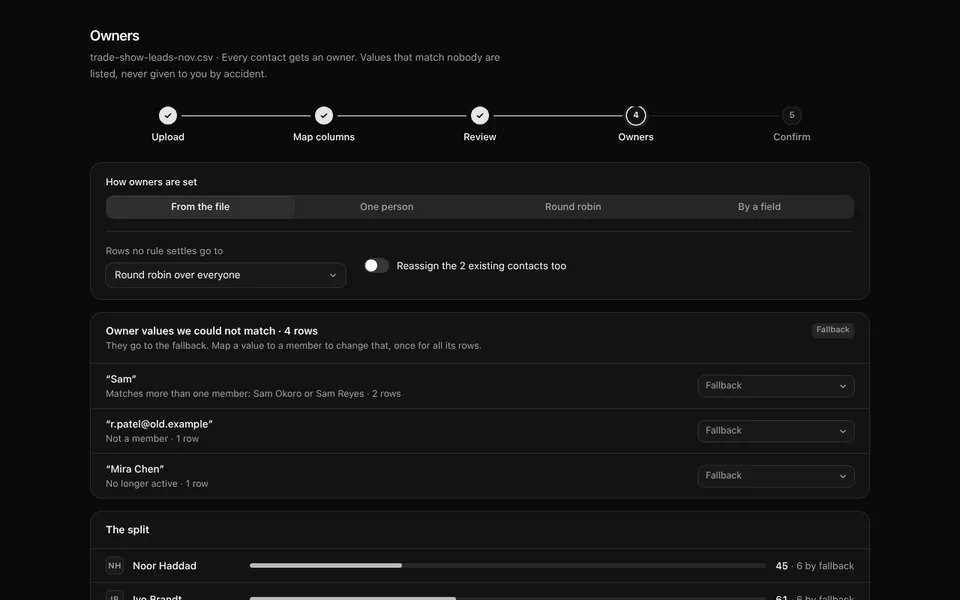
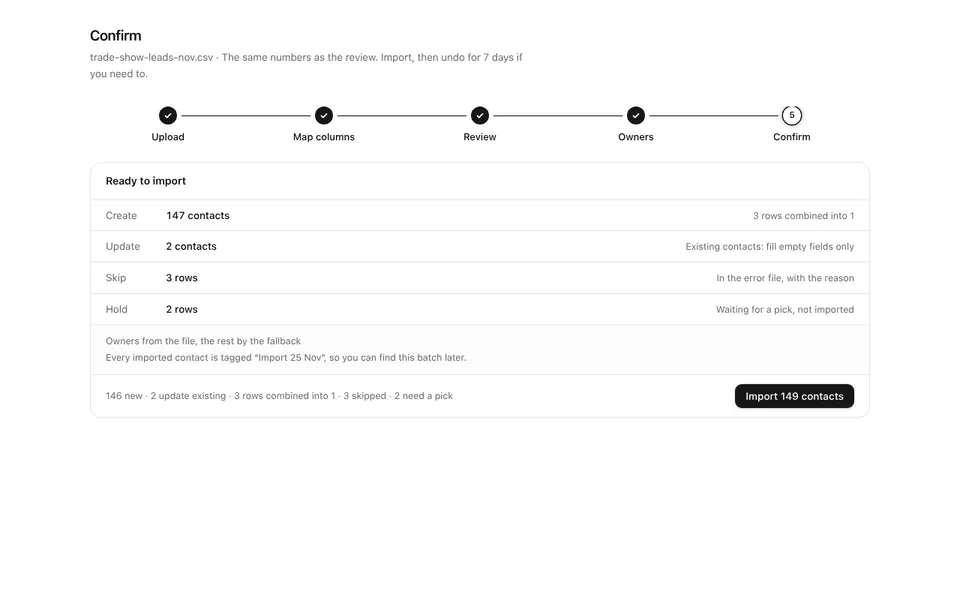
      Import contacts

      pro5 frames · 4 states · phone

    Ask your agent / 03

    Or ask your agent for one.

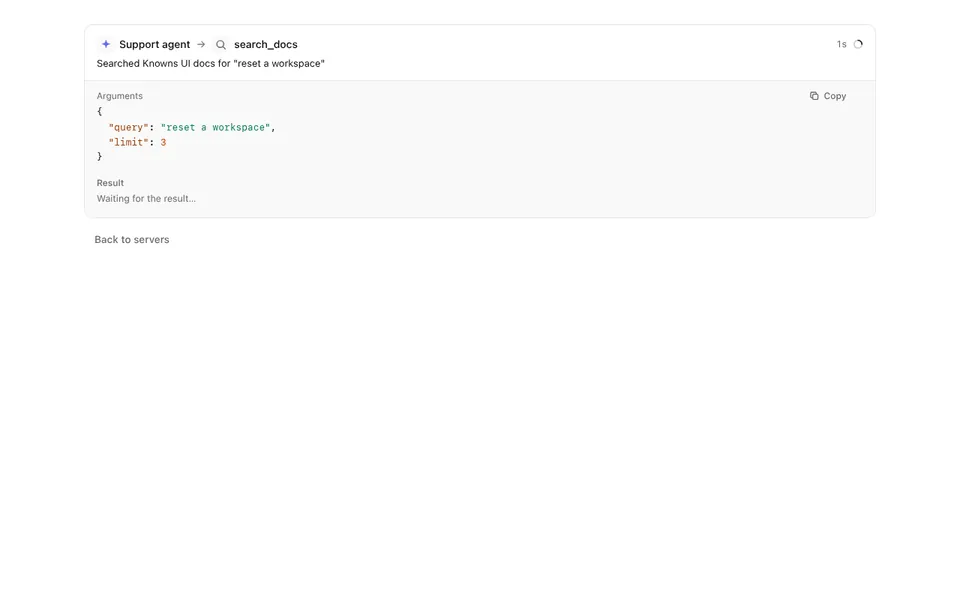
    Your agent searches the same sheet over MCP, reads one spec and installs the blocks.

    1. 01search_flowsFinds flows by task, domain, platform or state.
    2. 02get_flowReturns the steps, states, data and callbacks as a spec.
    3. 03add flow/<slug>Installs every block and one file with the screens wired.

    Connect once

    npx knowns-ui@latest mcp
    Agentknowns-ui MCP connected

    Add receipt scanning to the expenses page. Phone first.

    Looking for a flow that fits.

    Agent→knowns-ui
    360ms

    get_flow

    Arguments
    {  "slug": "scan-a-receipt"}
    Result
    {  "screens": "capture, reading, review, saved",  "blocks": "receipt-capture, transactions-list",  "callbacks": "read(source, signal), onSave(fields, source), onRecategorize(ids, category)",  "states": "empty, loading, error, approval, ready, done"}

    It needs read and onSave from your app. Installing it.

    Done. Point read at your receipt reader and onSave at your expenses API. Empty, loading, error and the check step come with it.

    Enter to send, Shift+Enter for a new line.

    End of the sheet / 04

    Pick a frame.
    Ship the journey.

    14 live · demo content