ProTemplate · 1 screen
Desktop App Landing
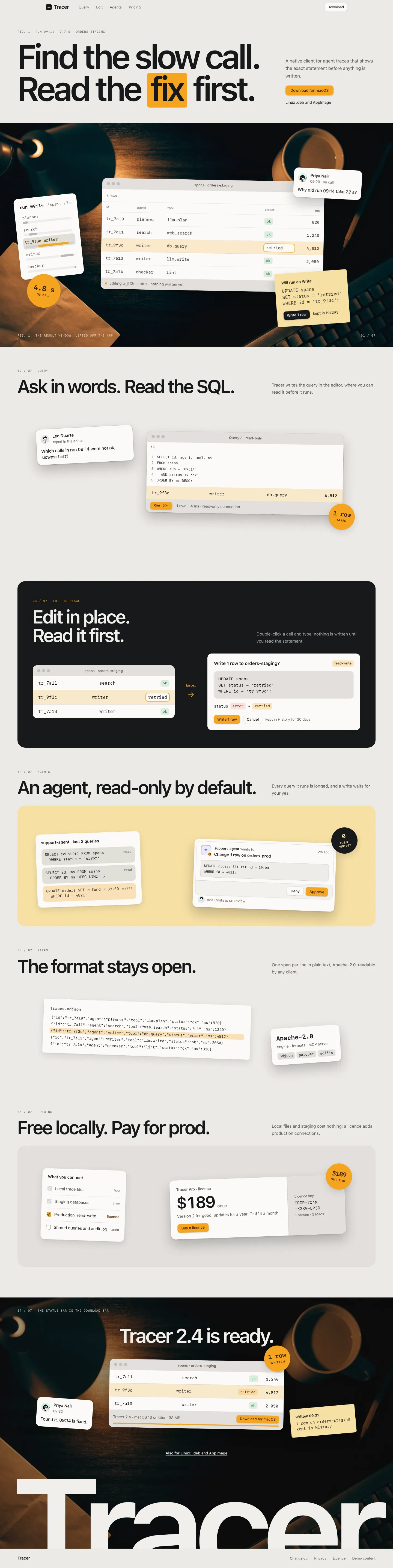
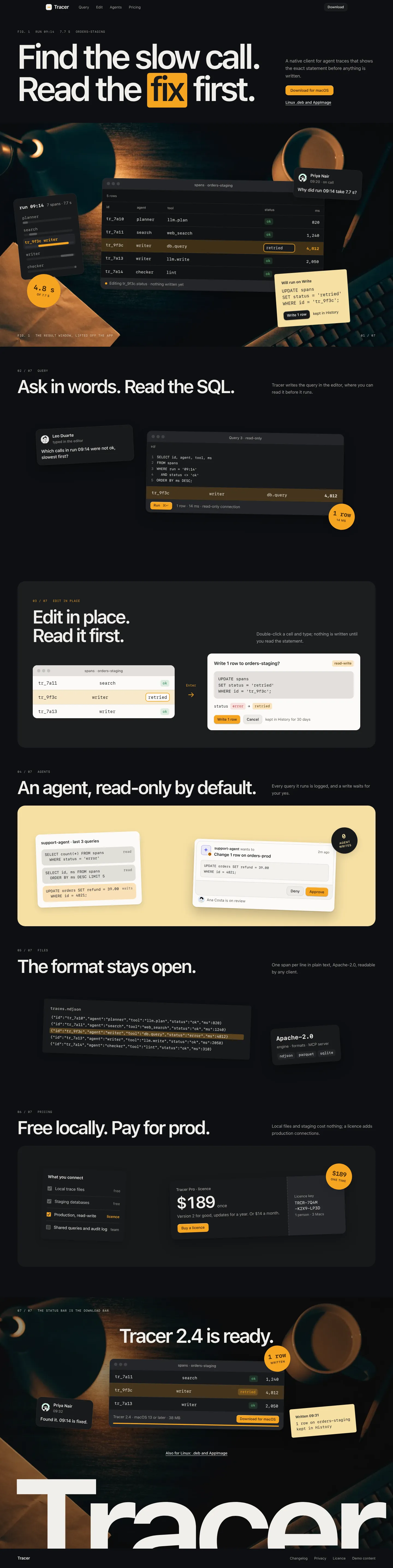
A landing page for a native trace client. A result window lifted onto a desk photo, a cell edit that shows its UPDATE before Write, a query that runs, an agent write that waits for approval, an open file format, a licence ticket priced by what you connect, and a closing where the status bar is the download bar.
Sections
The page, section by section. Each is a block with its own docs, props and examples.
- Find the slow call.Read the fix first.
- Section
- Ask in words. Read the SQL.
- Edit in place.Read it first.
- An agent, read-only by default.
- The format stays open.
- Free locally. Pay for prod.
- Tracer 2.4 is ready.
Built from
The template is these blocks on one page. Each has its own docs, props and examples.
Install
A Pro template: log in once per project, then add it. It lands as source in your app, with the blocks it needs.
$
npx knowns-ui@latest login$
npx knowns-ui@latest add template-desktop-app-landing